

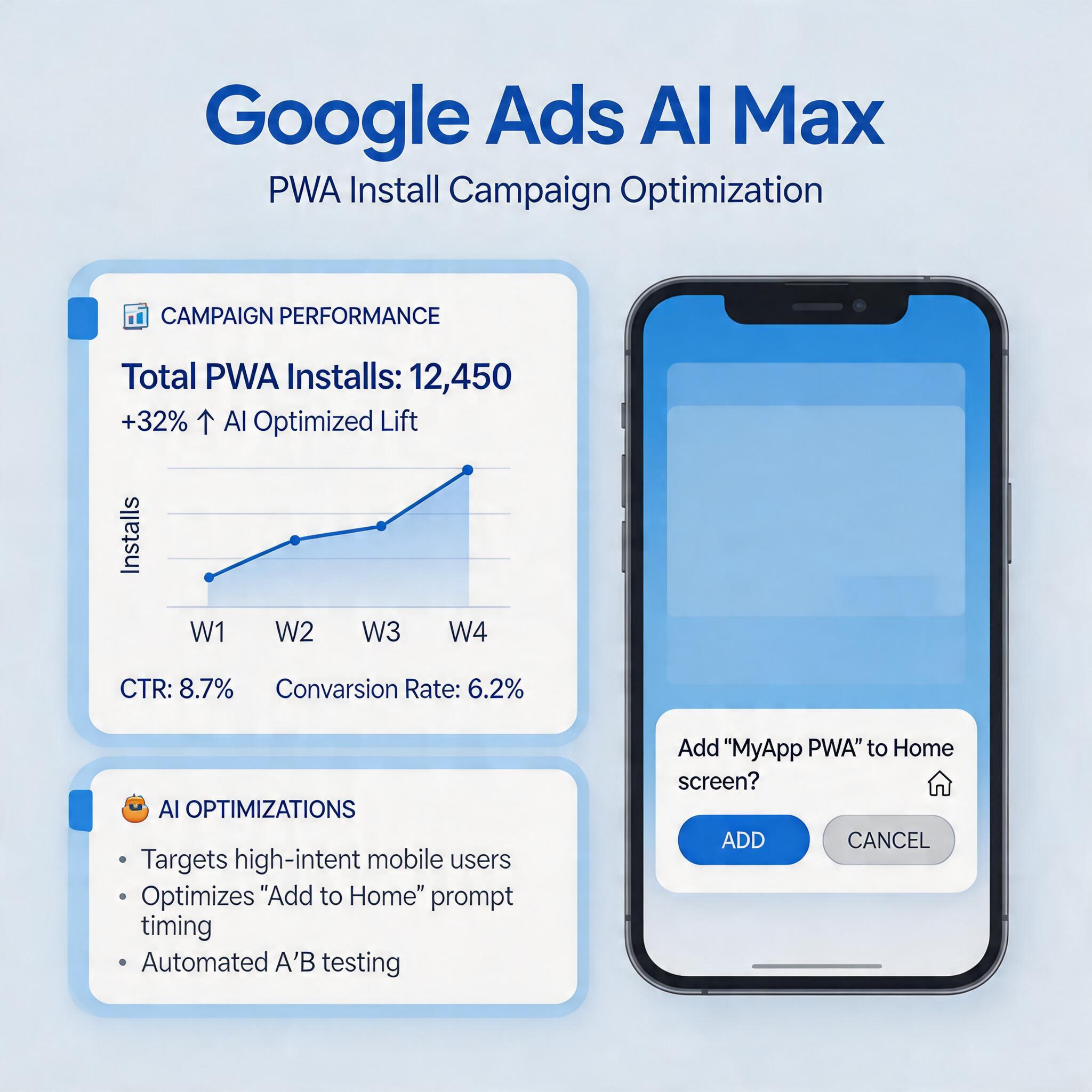
Google Ads is undergoing its most significant structural shift in years. In April 2026, Google officially announced the general availability of AI Max — a mandatory upgrade path for all Dynamic Search Ads (DSA) campaigns, pushed in batches from April 15 with a hard deadline of September 2026. Advertisers who delay will see campaigns paused, not migrated automatically.
At the same time, Performance Max (PMax) continues to evolve with new channel timeline views, and Customer Match is being restructured with stricter consent requirements. For teams running PWA install campaigns — especially in gaming and AI app verticals — these changes aren’t just policy updates. They directly impact how you acquire users, measure installs, and optimize cost per install (CPI).
→ Want to bypass Google Play entirely? See how ROiBest PWA works — no submission, no cut, 1.2x installs.
This guide is the definitive resource for Google Ads + PWA install campaigns in 2026. We cover the AI Max DSA upgrade timeline, PMax channel optimization strategies, Customer Match migration steps, accurate PWA install tracking, and how ROiBest’s PWA solution integrates with these changes to deliver better install ROI.
Google AI Max GA: What the DSA Voluntary Upgrade Tool Means for PWA Install Campaigns
On April 15, 2026, Google began rolling out the AI Max upgrade tool for DSA campaigns. The tool is being pushed in batches through September 2026, after which all remaining DSA campaigns will be paused. This is not an optional migration — it’s a forced transition with a 5-month runway.
Google claims AI Max delivers a 7% performance improvement over legacy DSA. However, this claim deserves scrutiny. The measurement methodology has not been fully disclosed, and early testers report that the 7% figure appears to combine brand and non-brand queries in ways that may inflate apparent gains. For PWA advertisers who rely on precise attribution — especially those tracking web-to-app install flows — understanding what actually changed matters more than the headline number.
What Changed in AI Max vs. Legacy DSA
AI Max replaces DSA’s keyword-less targeting with a more aggressive AI-driven approach that automatically generates headlines, selects landing pages, and optimizes bids across Search, Display, and Discover inventory. Key differences:
- Automated asset generation: AI Max creates up to 25 headlines and 15 descriptions per ad group, far exceeding DSA’s limits. For PWA landing pages, this means Google may generate ad copy that doesn’t accurately reflect your install flow.
- Cross-channel expansion: AI Max automatically extends to Display and Discover, which DSA did not. PWA advertisers may see traffic from placements that don’t convert well for web app installs.
- Landing page selection: AI Max can dynamically swap landing pages based on query intent. If your PWA install page isn’t marked as the primary conversion destination, Google may send traffic to less optimal pages.
Action Items for PWA Advertisers Before September
- Audit your DSA campaigns now. Identify which campaigns drive PWA install conversions and prioritize those for early migration.
- Review landing page signals. Ensure your PWA install page has clear conversion events (install button clicks, add-to-home-screen completions) tracked in GA4 and imported into Google Ads.
- Set negative keywords aggressively. AI Max’s broader reach means you’ll need tighter negative keyword lists to avoid wasted spend on irrelevant queries.
- Monitor brand query mixing. Check Search Terms reports weekly to confirm AI Max isn’t attributing branded conversions to non-brand campaigns.
For a deeper dive into PWA-specific Google Ads setup, see our Google Ads PWA Install Campaign 2026: Complete Setup Guide.
Google PMax Channel Timeline: Full Breakdown and PWA Install Optimization

Performance Max has become the default campaign type for most Google advertisers, but its black-box nature has frustrated teams trying to understand where their budget goes. In early 2026, Google introduced the Channel Timeline view — a new reporting dimension that shows budget allocation and conversion performance across Search, Display, Video, Discover, Gmail, and Maps over time.
Reading the PMax Channel Timeline for PWA Campaigns
For PWA install campaigns, the channel timeline reveals critical insights:
- Search vs. Display split: PWA installs typically convert better from Search traffic (users actively looking for solutions) than Display (passive browsing). If your timeline shows >40% Display allocation, your CPI is likely inflated.
- Video channel efficiency: YouTube placements within PMax can drive high-volume, low-intent traffic for PWA campaigns. The timeline helps you identify if Video is consuming budget without proportional install conversions.
- Discover and Gmail: These channels often show low install rates for PWA campaigns but may contribute to assisted conversions. Use the timeline to set appropriate attribution windows.
Optimization Strategies Based on Channel Data
- Segment by conversion action. Create separate PMax campaigns for “PWA install” vs. “landing page visit” conversions. This prevents the algorithm from optimizing for low-value actions.
- Use audience signals strategically. Feed your first-party data (email lists, website visitors) into PMax as audience signals. For PWA campaigns, this significantly improves targeting precision.
- Set channel-level exclusions where possible. While PMax doesn’t allow full channel exclusion, you can influence allocation through asset group structure and negative placement lists.
- Monitor budget timeline drift. Google’s algorithm may shift budget toward channels with cheaper clicks but lower install quality. Weekly timeline reviews catch this early.
Our detailed analysis of PMax channel behavior for PWA campaigns is available in Google PMax New Channel View: PWA Install Optimization and Google PMax Budget Timeline for PWA Campaigns: Fix Channel Mix Drift in 2026.
Google Customer Match Migration: What PWA Advertisers Must Do
Google’s Customer Match program is being restructured with stricter consent requirements and new data handling protocols. For PWA advertisers who rely on email lists and first-party data for remarketing and lookalike audiences, this migration has immediate operational impact.
Key Changes in Customer Match 2026
- Consent verification: All uploaded customer data must now be accompanied by documented consent timestamps. Google is auditing this more aggressively.
- Hashed data requirements: Email and phone uploads must use SHA-256 hashing with Google’s specified normalization rules. Unhashed uploads are being rejected.
- Match rate transparency: Google now shows estimated match rates before audience activation, helping PWA advertisers gauge list quality.
- Cross-device attribution: Customer Match audiences now integrate more deeply with GA4’s cross-device reporting, which is critical for PWA install attribution (users may discover on desktop, install on mobile).
Migration Checklist for PWA Teams
- Audit consent documentation. Verify that every email in your Customer Match lists has a valid consent record. Remove any contacts without documented opt-in.
- Update hashing workflows. Ensure your CRM or data pipeline applies SHA-256 hashing with Google’s normalization (lowercase, trim whitespace) before upload.
- Segment by install source. Create separate Customer Match lists for PWA installers vs. website visitors. This allows more precise remarketing messaging.
- Test match rates before scaling. Upload small batches first. Match rates below 30% indicate data quality issues that will waste ad spend.
- Link GA4 audiences. Connect your GA4 PWA install events to Google Ads as audience signals for Customer Match expansion.
Measuring PWA Installs Accurately in the New Google Ads Ecosystem
Accurate measurement is the foundation of profitable PWA install campaigns. In 2026, Google’s measurement stack has three layers that PWA advertisers must configure correctly: GA4 event tracking, Google Ads conversion import, and Enhanced Conversions.
GA4 PWA Install Event Setup
The critical events for PWA campaigns are:
- pwa_install_start: Fired when the user clicks “Add to Home Screen” or equivalent install prompt.
- pwa_install_complete: Fired when the PWA is successfully added to the home screen (confirmed via appinstalled event or service worker registration).
- pwa_launch: Fired on first open from the home screen icon, distinguishing true installs from accidental adds.
These events must be configured as key events in GA4 and imported into Google Ads as primary conversion actions. Without this, PMax and AI Max will optimize for proxy metrics (page visits, button clicks) rather than actual installs.
Enhanced Conversions for PWA
Google’s Enhanced Conversions feature now supports hashed email matching for PWA install events. This bridges the gap between ad click and install attribution when users don’t complete the install in the same session. Implementation requires:
- Collecting user email at some point in the PWA flow (optional account creation, newsletter signup, or pre-install form).
- Hashing the email client-side with SHA-256.
- Sending the hashed email with the conversion event to Google Ads.
For teams running BC games or AI apps, this is particularly valuable because users often browse on desktop but install on mobile later.
Attribution Window Considerations
PWA installs have longer consideration cycles than native app downloads. We recommend:
- Click-through window: 30 days (vs. the default 7 days for app campaigns).
- Engagement window: 60 days for video and Display placements.
- View-through window: 1 day for Search, 7 days for Display/Video.
These settings prevent under-attribution of PMax and AI Max campaigns that contribute to installs through multi-touch journeys.
Our complete tracking setup guide is in Google Ads PWA 投放 2026:完整实操指南与优化策略 and Google Enhanced Conversions for PWA Install Tracking 2026.
How ROiBest PWA + Google Ads Work Together for Better Install ROI
ROiBest’s PWA platform is designed specifically for teams running paid acquisition on Google Ads. The integration addresses three core challenges that PWA advertisers face: install friction, attribution accuracy, and post-install engagement.
Install Friction Reduction
ROiBest PWAs use optimized install prompts that trigger at the optimal moment in the user journey — not immediately on landing, but after the user has engaged with core content. This timing optimization, combined with streamlined one-tap install flows, delivers up to 1.2x higher install conversion rates compared to standard PWA implementations.
For Google Ads campaigns, this means:
- Lower CPI from the same traffic volume.
- Higher Quality Score on landing pages (better engagement metrics).
- More conversion data for PMax and AI Max algorithms to learn from.
Attribution-Ready Infrastructure
ROiBest PWAs come pre-configured with GA4 event tracking for all critical install milestones. The platform automatically fires pwa_install_start, pwa_install_complete, and pwa_launch events with the correct parameters for Google Ads conversion import. This eliminates the engineering work typically required to set up PWA tracking and reduces time-to-campaign-launch from weeks to days.
Post-Install Engagement
Unlike native apps that lose push notification access after uninstall, ROiBest PWAs maintain web push capabilities through the browser. This enables:
- Re-engagement campaigns targeting lapsed PWA users via Google Ads.
- Customer Match audience refresh using active PWA user lists.
- Retention loops that native apps cannot replicate after uninstall.
For BC games and AI apps where lifetime value (LTV) depends on sustained engagement, this capability directly impacts campaign ROI.
Step-by-Step PWA Install Campaign Setup Guide for 2026
Here’s the practical workflow for launching a PWA install campaign on Google Ads in the current environment:
Step 1: Prepare Your PWA Landing Page
Before creating any campaigns, ensure your PWA landing page meets Google’s quality requirements:
- Mobile-first design with <3 second load time.
- Clear value proposition above the fold.
- Prominent, contextually-triggered install CTA.
- Privacy policy and consent mechanism for data collection.
Step 2: Configure GA4 Tracking
Set up the three critical PWA events (install_start, install_complete, launch) as key events in GA4. Import these into Google Ads as primary conversion actions with appropriate attribution windows.
Step 3: Create Your PMax Campaign
Structure your PMax campaign with:
- Single conversion goal: PWA install_complete.
- Audience signals from your first-party data and Customer Match lists.
- Asset groups segmented by creative theme (not by channel).
- Daily budget at least 10x your target CPI for algorithm learning.
Step 4: Monitor Channel Timeline Weekly
Review the PMax Channel Timeline report every 7 days. Look for:
- Display allocation creeping above 40%.
- Video spend without proportional install conversions.
- Search share declining (indicates audience signal weakening).
Step 5: Migrate DSA to AI Max (If Applicable)
If you have legacy DSA campaigns supporting PWA acquisition, migrate them to AI Max before September 2026. After migration:
- Review generated headlines for accuracy.
- Add negative keywords based on Search Terms reports.
- Verify landing page selection is routing to your PWA install page.
Step 6: Optimize Based on Install Quality
Not all installs are equal. Segment your reporting by:
- Install source (Search vs. Display vs. Video).
- Device type and OS version.
- Post-install engagement (launch rate, session count).
Use this data to refine audience signals and adjust budget allocation across campaigns.
Frequently Asked Questions
Will AI Max work for PWA campaigns?
Yes, but with caveats. AI Max’s automated landing page selection requires careful setup to ensure your PWA install page is prioritized. Monitor Search Terms reports closely during the first 30 days.
Do I need to migrate DSA campaigns that only run PWA ads?
Yes. All DSA campaigns will be paused after September 2026 regardless of their target. Migrate early to maintain performance history and avoid disruption.
How does PMax channel timeline help reduce CPI?
By revealing which channels deliver actual installs vs. just clicks. Most PWA advertisers find Search delivers 2-3x better install rates than Display at similar CPCs.
Can I use Customer Match with PWA users who haven’t given email consent?
No. The 2026 consent requirements are strict. Only users with documented email consent can be uploaded to Customer Match. Consider adding an optional email collection step in your PWA flow.
Is PWA install tracking as reliable as native app install tracking?
With proper GA4 configuration, yes. The key is defining clear install events and using Enhanced Conversions to bridge cross-device gaps. ROiBest’s pre-configured tracking handles this automatically.
Skip the app store. Go live instantly, keep 100% of your revenue.
ROiBest helps Android app teams launch PWAs — no review process, no 30% Google Play cut, and push notifications that work even after uninstall. Teams see up to 1.2x higher install conversion rates vs native app downloads.
发表评论