

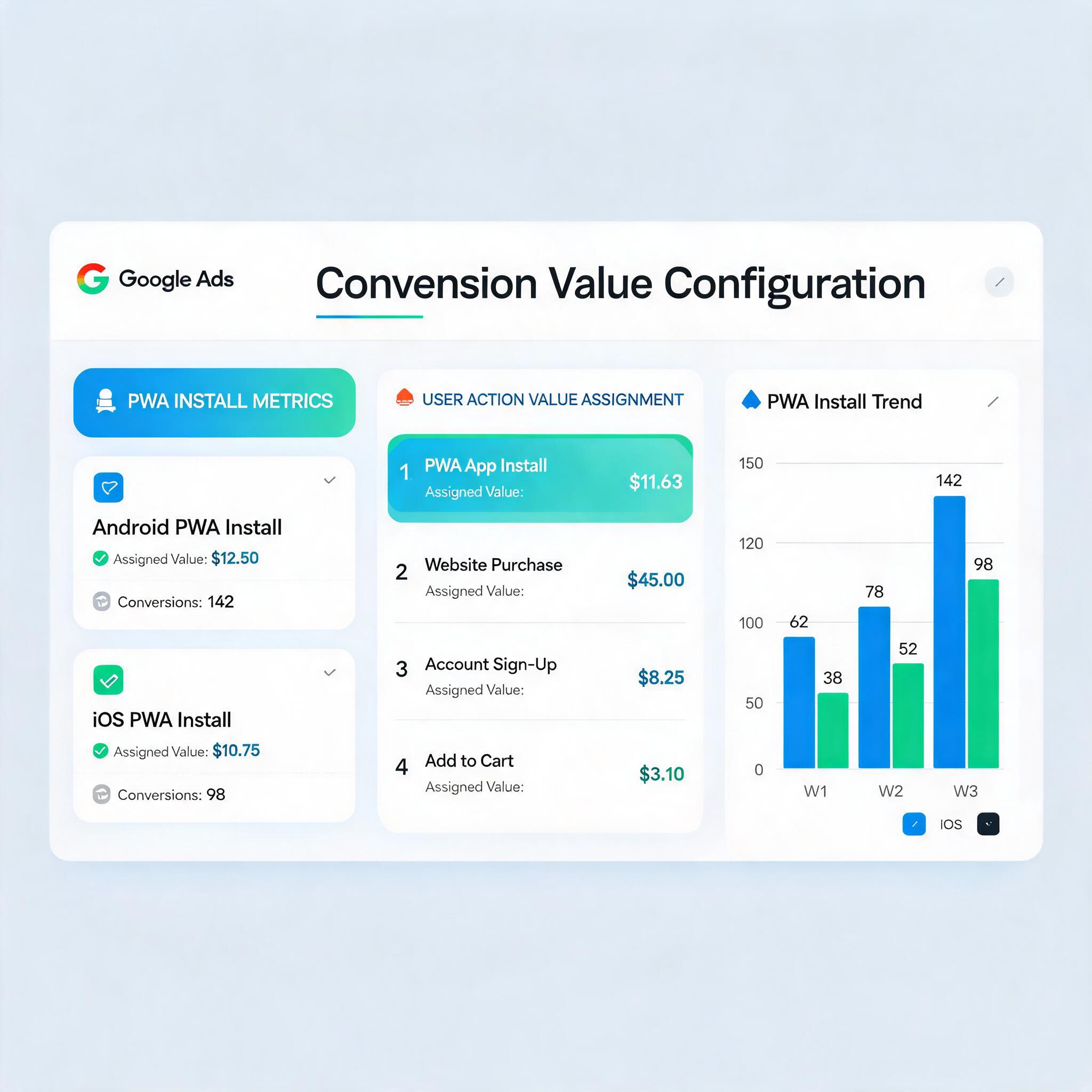
Google Ads Smart Bidding needs accurate conversion values to optimize effectively. But when you run PWA install campaigns instead of traditional app installs, the standard conversion value setup guides do not apply. PWA installs track differently, post-install events fire differently, and the value signals you send back to Google Ads require a fundamentally different architecture.
This guide shows you exactly how to configure conversion values for Google Ads campaigns driving PWA installs — from basic install tracking through advanced value-based bidding that optimizes for in-app revenue, not just install volume.
→ Want to bypass Google Play entirely? See how ROiBest PWA works — no submission, no cut, 1.2x installs.
Why Standard Conversion Value Setup Fails for PWA
Google Ads conversion value documentation assumes you are tracking through Firebase + Google Play. For PWA campaigns, three fundamental differences break the standard approach:
- No Firebase SDK: PWA installs happen via browser. There is no Firebase app instance to report conversion events. You need web-based conversion tracking (gtag.js or Google Tag Manager) instead.
- No Google Play attribution: Since there is no Play Store download event, Google Ads cannot auto-attribute installs. You must fire conversion events manually from your PWA landing page.
- Different event timing: Native app installs fire immediately when the download completes. PWA “installs” (add to home screen) happen after the user interacts with your landing page — creating a different signal timing that Smart Bidding needs to learn.
The result: if you apply standard app conversion value setup to PWA campaigns, Google Ads receives either no signal (campaign stalls) or incorrect signals (Smart Bidding optimizes for wrong events). Both waste budget.
The Correct Conversion Architecture for PWA + Google Ads

Here is the conversion event hierarchy you need to build for value-based bidding on PWA install campaigns:
Layer 1: Primary Conversion — PWA Install
This is your main conversion action that Smart Bidding optimizes toward:
- Event trigger: When the user completes “Add to Home Screen” (the
appinstalledevent fires) - Conversion value: Set a baseline install value based on your average LTV (e.g., if average PWA user generates $5.00 in first 30 days, set install value = $5.00)
- Attribution window: 30-day click, 1-day view (matches typical app install consideration cycle)
- Counting: One per user (not every interaction)
Layer 2: Secondary Conversions — Value Signals
These micro-conversions feed Smart Bidding additional quality signals without affecting primary optimization:
- Landing page engagement: 60+ seconds on page OR 75%+ scroll (value: $0.50)
- PWA prompt shown: User triggered install prompt display (value: $1.00)
- Push notification opt-in: User accepts push after install (value: $2.00)
- First meaningful action: User completes first in-app goal within 24h (value: $3.00)
Layer 3: Revenue Events — Actual Value
As users generate real revenue, report actual values back:
- In-app purchase: Actual purchase amount as conversion value
- Subscription start: Monthly value × expected retention months
- Ad revenue: Daily ad revenue per user × 30 (monthly projection)
This three-layer approach gives Google Ads enough signal volume (Layer 2 fires frequently) while optimizing toward actual business value (Layer 3 informs long-term Smart Bidding learning). For the tracking infrastructure behind this, see our Google Consent Mode v2 PWA tracking setup guide.
Setting Up Value-Based Bidding for PWA Campaigns
Once your conversion architecture is in place, configure Google Ads bidding to use it:
Step 1: Define Conversion Actions in Google Ads
- Go to Goals → Conversions → New conversion action → Website
- Create “PWA Install” as primary (use different values for different campaigns)
- Create secondary actions for engagement signals
- Set “PWA Install” as the conversion action at campaign level
Step 2: Configure Value Rules
Use Google Ads value rules to adjust reported values based on audience characteristics:
- Geographic value adjustment: Users from Tier-1 markets (US, UK, AU) get 2x value multiplier (higher LTV)
- Device adjustment: Users on newer Android devices get 1.5x (better PWA support = higher retention)
- Audience adjustment: Returning visitors get 1.3x (higher intent = higher conversion quality)
Step 3: Choose Bidding Strategy
- Start with Maximize Conversions for the first 2 weeks (accumulate conversion data)
- Switch to Target ROAS once you have 50+ conversions with value data
- Set Target ROAS conservatively at first (200-300%), then tighten as data accumulates
- Use portfolio bidding across PWA campaigns to share learning data
Teams using PMax for PWA campaigns should note that PMax auto-assigns conversion values differently — our Google Ads PWA content strategy guide covers the PMax-specific configuration.
Common Value Setup Mistakes for PWA Campaigns
Avoid these errors that sabotage Smart Bidding performance:
- Assigning all installs equal value: Not all PWA installs have equal LTV. Differentiate by source, device, and geography using value rules.
- Missing the appinstalled event: Many teams track page views instead of actual installs. The
appinstalledevent is the only reliable PWA install signal. - Value inflation: Setting install value too high makes Smart Bidding think every click is profitable, leading to budget waste on low-quality traffic.
- Ignoring post-install signals: Without Layer 2 and Layer 3 events, Smart Bidding has insufficient signal to learn which users are valuable.
- Attribution window mismatch: Using 1-day click window for a product with 7-day consideration cycle means missed conversions and incorrect optimization.
PWA vs Native App: Value Tracking Differences
Understanding how PWA conversion value differs from native app tracking helps you set expectations:
- Signal speed: PWA install signal fires faster (3-5 seconds vs. 30-60 seconds for native download). Smart Bidding gets feedback sooner.
- Signal completeness: PWA lacks Firebase’s automatic in-app event tracking. You must explicitly fire every post-install event you want Google Ads to see.
- Value accuracy: PWA revenue events tracked via web (gtag) may miss some in-app purchases if your payment flow does not fire server-side events. Use Measurement Protocol as backup.
- Cross-device gaps: PWA installs on one device may generate revenue on another (if user logs in). Link user IDs across sessions for complete value attribution.
For the broader distribution strategy context, reference our Google Ads PWA install as alternative distribution guide.
Action Plan: Configure PWA Conversion Values in 5 Days
Day 1: Infrastructure
- Implement
appinstalledevent tracking on your PWA landing page - Set up Google Tag Manager container with conversion linker
- Configure enhanced conversions for web (hashed email/phone)
Day 2: Conversion Actions
- Create primary “PWA Install” conversion in Google Ads (assign baseline value)
- Create secondary engagement conversions with micro-values
- Create revenue conversion action with dynamic values
Day 3: Value Rules
- Configure geographic, device, and audience value adjustments
- Set up value rule testing to validate adjustments
Day 4: Bidding
- Launch campaigns with Maximize Conversions (learning phase)
- Set campaign-level conversion action to “PWA Install”
- Enable secondary conversions as observation-only
Day 5: Validation
- Verify conversion events fire correctly (use Google Ads Tag Assistant)
- Confirm values appear in Conversions → Value column
- Set reminder to switch to Target ROAS after 50+ conversions
Skip the app store. Go live instantly, keep 100% of your revenue.
ROiBest helps Android app teams launch PWAs — no review process, no 30% Google Play cut, and push notifications that work even after uninstall. Teams see up to 1.2x higher install conversion rates vs native app downloads.
发表评论