

→ Want to bypass Google Play entirely? See how ROiBest PWA works — no submission, no cut, 1.2x installs.
The PMax Black Box: Where Your Budget Actually Goes
Google Performance Max campaigns promise to optimize your ad spend across all of Google’s channels — Search, Display, YouTube, Discover, Gmail, and Maps — using machine learning to find the best placements. In theory, this sounds like the ultimate efficiency play. In practice, for app install campaigns, PMax has become one of the most opaque and frustrating budget allocation tools available to media buyers in 2026.
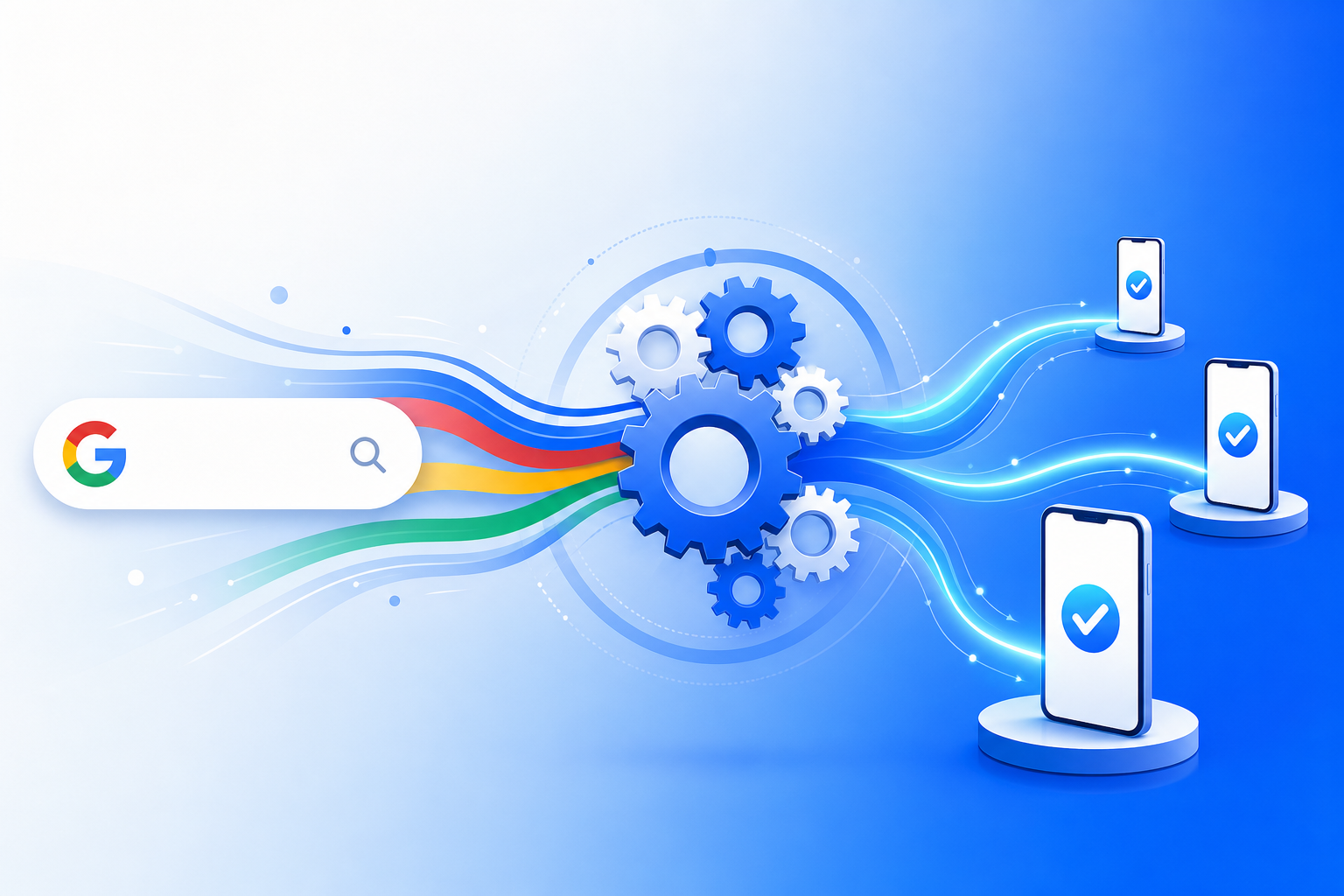
The fundamental problem is transparency. When you launch a PMax campaign for app installs, Google distributes your budget across its entire network. But you have extremely limited visibility into which channels are actually driving installs versus which are burning budget on low-intent impressions. The “Insights” tab provides aggregate-level data, but individual channel performance — especially the split between Search, Display Network partners, and YouTube pre-roll — remains largely hidden behind Google’s algorithmic curtain.
For Google Ads buying teams running app install campaigns in 2026, this opacity creates a specific, measurable problem: you cannot reliably determine whether your cost-per-install is being inflated by low-converting channels that Google’s algorithm favors for its own inventory management reasons.
Channel-by-Channel Breakdown: Where PMax Installs Actually Come From

Based on aggregated campaign data from Android app teams running PMax/UAC campaigns with daily budgets between $500 and $50,000, the channel distribution typically looks like this:
- Google Search (15-25% of spend): Highest intent, best conversion rates (3-8% install rate from click), but limited inventory for app-related queries
- Display Network (30-45% of spend): Massive reach, extremely low install rates (0.3-0.8% from click), often served on low-quality partner sites
- YouTube (20-30% of spend): Moderate intent, 1-2% install rate, but high CPMs make effective CPI expensive
- Discover/Gmail/Maps (10-20% of spend): Mixed performance, often negligible install volume despite meaningful budget allocation
The critical insight here is that Google’s algorithm frequently allocates 30-45% of your budget to Display Network placements — the lowest-converting channel — because that’s where Google has the most available inventory. The algorithm optimizes for Google’s overall network utilization, not purely for your install efficiency.
The Google Play Store Bottleneck in PMax Campaigns
Even when PMax does drive users with genuine install intent, there’s a second conversion barrier that most buying teams don’t adequately account for: the Google Play Store listing page itself.
When a user clicks your PMax ad, they land on your Google Play listing. From that point, the user must:
- Wait for the Play Store page to load (often 2-4 seconds on mobile networks)
- Read the listing, screenshots, and reviews
- Tap “Install”
- Wait for the app to download (varies by app size, typically 30 seconds to 2 minutes)
- Wait for installation to complete
- Open the app
Each step in this funnel has measurable drop-off. Industry benchmarks show that between the Play Store page view and a completed install, you lose 40-60% of users. This means that even after paying for high-intent clicks from PMax, nearly half your paid traffic evaporates in the Play Store funnel.
Additionally, Google Play takes a 30% commission on any in-app purchases or subscriptions. For app teams with monetization models based on subscriptions or in-app transactions, this commission represents a massive ongoing cost that directly reduces the ROI of every install you acquire through PMax.
Why PWA Install Pages Convert at 1.2x the Rate of Play Store Listings
Progressive Web App install pages fundamentally change the post-click conversion experience. Instead of routing PMax traffic to Google Play, you direct users to a dedicated PWA install landing page. The conversion mechanics are dramatically different:
Instant install (under 3 seconds): A PWA installs directly from the browser. There’s no download queue, no waiting for a 50MB+ APK to transfer. The user taps “Add to Home Screen” and the app icon appears immediately. This eliminates the 40-60% drop-off that occurs in the Play Store download-and-install waiting period.
No app store friction: Users don’t need a Google account, don’t need to agree to Play Store permissions, and don’t encounter competing apps or negative reviews on the same page. The PWA install page is a controlled environment where you own the entire narrative.
Full landing page optimization: Unlike a Google Play listing (which has fixed formatting), your PWA install page can be A/B tested, personalized based on traffic source, and optimized with standard CRO techniques — custom copy, social proof, urgency elements, and video demonstrations.
The result is a measurable lift. Teams directing PMax traffic to PWA install pages consistently see 1.2x higher install conversion rates compared to identical traffic sent to Google Play listings. For a campaign spending $10,000/day with a $5 target CPI, this lift translates to approximately 400 additional installs per day — or $2,000 in daily value — from the same budget.
First-Party Tracking Control: Solving PMax’s Attribution Gap
One of the most frustrating aspects of PMax for sophisticated buying teams is the limited attribution data. Google’s Ads Data Hub provides some channel-level insights, but real-time optimization based on specific placement performance is nearly impossible.
When you direct PMax traffic to your own PWA install pages, you gain complete first-party tracking control:
- UTM parameter preservation: Every click from PMax carries full UTM parameters to your landing page, which you can capture and store in your own analytics
- Server-side event tracking: Install events, post-install engagement, and conversion events are all tracked through your own infrastructure — no reliance on Google’s delayed conversion reporting
- Cross-channel attribution: Because you control the landing page, you can implement any attribution model (first-touch, last-touch, multi-touch, or custom) without being limited to Google’s self-attributed data
- Real-time optimization signals: With first-party data flowing to your analytics in real-time, you can make budget allocation decisions within hours rather than waiting for Google’s 24-72 hour conversion lag
This tracking advantage compounds over time. Teams with first-party install data can build lookalike audiences, identify high-LTV user segments, and feed conversion signals back to Google’s bidding algorithm with much greater precision than teams relying solely on Google Play install attribution.
Step-by-Step: Setting Up PWA Landing Pages as PMax Destinations
Transitioning your PMax campaigns from Google Play to PWA install pages requires specific configuration changes. Here is the process for Google Ads buying teams:
Step 1: Prepare Your PWA Install Landing Page
Your PWA landing page must meet specific technical requirements for PMax approval. The page needs to load in under 2 seconds on 4G connections, pass Core Web Vitals thresholds, and have a clear install call-to-action above the fold. Services like ROiBest handle all PWA technical requirements — manifest configuration, service workers, caching strategies — so your team can focus purely on campaign setup and creative optimization.
Step 2: Configure PMax Campaign as Web Campaign (Not App Campaign)
This is the critical distinction. Instead of creating an “App campaign” in Google Ads (which automatically routes to Play Store), create a PMax campaign with a “Website visits” or “Leads” objective. Set your PWA install page URL as the final URL. This gives you full control over the landing page destination while still accessing all PMax channels.
Step 3: Set Up Conversion Tracking on Your PWA Page
Install the Google Ads conversion tag on your PWA install page. Define a conversion event for the “Add to Home Screen” action (the PWA install). This allows Google’s Smart Bidding algorithm to optimize for actual installs on your page, not just page views. Use Enhanced Conversions with first-party data for maximum signal quality.
Step 4: Configure Audience Signals for App-Intent Users
In your PMax campaign’s audience signals section, add:
- Custom segments based on app-related search terms (e.g., “[your app category] app”, “best [category] app 2026”)
- In-market audiences for mobile apps in your category
- Remarketing lists of users who visited your website but didn’t install
- Similar audiences based on your existing PWA installers
Step 5: Create Asset Groups Optimized for Install Intent
Build your PMax asset groups with creative that emphasizes the instant-install benefit:
- Headlines: “Install in 3 Seconds — No App Store Needed” / “Try [App Name] Instantly — No Download Wait”
- Descriptions: Focus on the immediate-access value proposition
- Images and videos: Show the one-tap install process, the home screen icon appearing, and the app opening immediately
Step 6: Implement Post-Install Event Tracking for ROAS Optimization
Beyond the install conversion, set up value-based conversion tracking for post-install events (registration, first purchase, subscription). Feed these back to Google Ads as conversion values so Smart Bidding can optimize not just for installs, but for high-value installs. This creates a feedback loop where PMax progressively finds users who install AND convert.
Budget Implications: Eliminating the 30% Google Play Commission
For app teams that monetize through in-app purchases or subscriptions, routing installs through PWA eliminates Google Play’s 30% commission entirely. Consider the math for a team generating $100,000/month in subscription revenue:
- Through Google Play: $100,000 revenue minus $30,000 commission = $70,000 net
- Through PWA: $100,000 revenue minus $0 platform commission = $100,000 net
- Annual difference: $360,000 in recovered revenue
This recovered revenue can be reinvested directly into PMax budget, creating a compounding advantage. Every dollar saved on commissions becomes a dollar that can acquire more users, which generates more revenue, which funds more acquisition. Teams that make this switch typically see 20-40% growth in monthly acquisition budgets within 90 days simply from reinvesting saved commissions.
Addressing Common Concerns from Buying Teams
Will Google Approve PWA Landing Pages for PMax?
Yes. Google Ads policies allow any landing page that provides a good user experience, loads quickly, and matches the ad’s promise. PWA install pages are standard web pages that happen to trigger a browser’s install prompt. They fully comply with Google’s landing page quality guidelines as long as they meet Core Web Vitals thresholds and have clear, relevant content.
What About Users Who Prefer Google Play?
Your PWA install page can include a secondary link to Google Play for users who specifically prefer that route. However, data consistently shows that when presented with an instant-install option, the vast majority of users (80%+) choose the PWA path because it’s faster and simpler.
How Does Push Notification Re-engagement Compare?
PWAs support push notifications that function identically to native app notifications on Android. Critically, PWA push notifications can reach users even after they’ve removed the PWA from their home screen — a re-engagement capability that native apps lose entirely after uninstall. This means your re-engagement campaigns have a larger addressable audience with PWA installs.
Can I Still Use Firebase/Adjust/AppsFlyer for Attribution?
With PWA installs, you don’t need third-party mobile measurement partners (MMPs) because you own the entire tracking chain. Your landing page captures the click, your server records the install, and your analytics track all post-install events. This eliminates MMP fees ($0.05-0.30 per install) and gives you raw, unsampled data.
The Compounding Advantage: Why Teams That Switch Don’t Switch Back
Teams that transition their PMax app install campaigns to PWA landing pages consistently report three compounding advantages that widen over time:
- Lower effective CPI: The 1.2x conversion rate lift means your effective cost-per-install drops by approximately 17% immediately. Over 90 days of algorithm learning, this typically improves further as Google’s bidding model optimizes for your specific conversion patterns.
- Higher ROAS from commission savings: The 30% revenue recovery is immediate and permanent. This alone justifies the switch for any team with meaningful in-app monetization.
- Better data quality: First-party tracking produces cleaner, faster, and more granular data than Play Store attribution. This data advantage compounds because better signals produce better bidding optimization, which produces better traffic quality, which produces better conversion rates.
For Google Ads buying teams managing PMax budgets in 2026, the question is no longer whether PWA install pages convert better — the data is clear. The question is how quickly you can make the transition and start capturing the compounding efficiency gains. Learn more about implementation at ROiBest.
Frequently Asked Questions
How long does it take to set up a PWA install page for PMax campaigns?
With a platform like ROiBest handling the technical infrastructure, most teams go from campaign concept to live PMax traffic within 48 hours. The PWA landing page setup itself takes under 24 hours; the remaining time is for Google Ads campaign configuration and conversion tracking verification.
Do PWA installs count toward Google Ads conversion goals?
Yes. When you configure your PMax campaign as a web campaign with conversion tracking on the PWA install action, Google’s Smart Bidding optimizes for those installs exactly as it would for any web conversion event. You get full algorithmic optimization.
What minimum daily budget is recommended for PMax with PWA landing pages?
Google recommends a minimum of $50-100/day for PMax campaigns to generate sufficient conversion data for algorithm learning. However, for meaningful scale and stable performance, most app teams see optimal results at $500+/day. The 1.2x conversion lift becomes statistically significant within 7-14 days at this budget level.
Skip the app store. Go live instantly, keep 100% of your revenue.
ROiBest helps Android app teams launch PWAs — no review process, no 30% Google Play cut, and push notifications that work even after uninstall. Teams see up to 1.2x higher install conversion rates vs native app downloads.
发表回复