

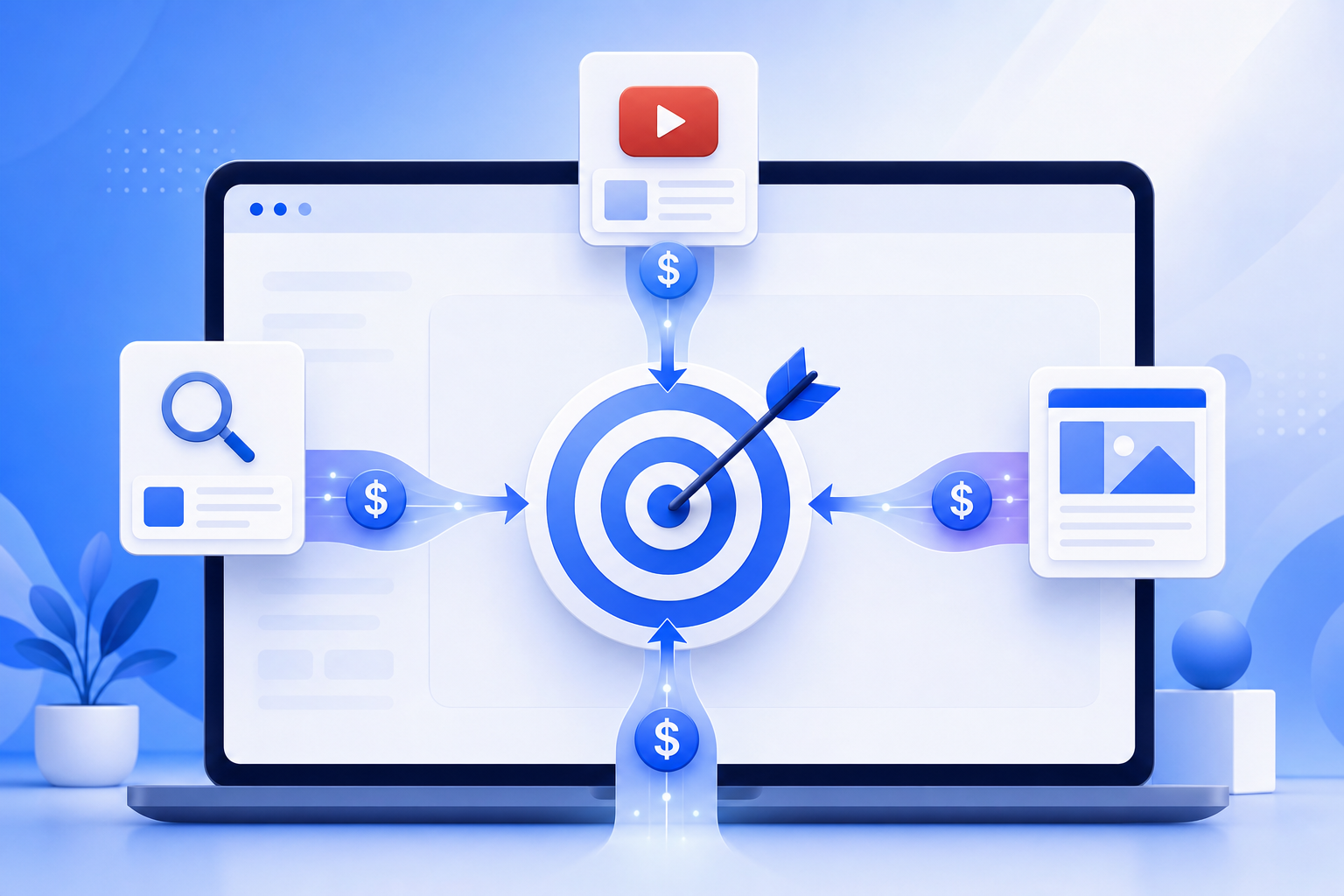
Google’s Performance Max campaigns promise to find conversions across all Google properties — Search, Display, YouTube, Gmail, Discover, and Maps. But most PMax advertisers never look at the channel-level timeline data that reveals where their budget is actually going. A recent deep dive into PMax channel reporting shows that up to 40% of PMax budgets are allocated to low-converting Display and Discover placements, while high-intent Search placements are often underserved.
For teams running PWA install campaigns through Google Ads, this channel imbalance matters enormously. PWA installs convert best from high-intent channels (Search, YouTube) and worst from passive channels (Display, Discover). Understanding where PMax sends your budget — and optimizing accordingly — can dramatically improve your cost per install.
→ Want to bypass Google Play entirely? See how ROiBest PWA works — no submission, no cut, 1.2x installs.
What PMax Channel Timeline Data Actually Shows
PMax provides channel-level performance data through the “Insights” tab and asset group reporting. When you analyze the timeline data across a typical 30-day campaign, several patterns consistently emerge:
- Display dominance in early days. PMax algorithms typically start by allocating 50-70% of budget to Display network in the first 7 days. Display has the cheapest impressions, so the algorithm can gather conversion signals quickly — but Display CVR for install campaigns is typically 60-80% lower than Search.
- YouTube allocation spikes mid-campaign. Around days 7-14, PMax often shifts budget toward YouTube as it identifies video audiences with conversion signals. For PWA campaigns, YouTube can perform well — but only if your video creative clearly demonstrates the install process.
- Search allocation is consistently under-weighted. Despite Search typically delivering 2-3x higher conversion rates for install campaigns, PMax rarely allocates more than 20-25% of budget to Search placements. The algorithm optimizes for total conversions, not conversion rate — so it prefers cheap Display impressions over expensive Search clicks.
- Discover and Gmail are budget sinks. These channels consume 5-15% of budget but produce minimal install conversions. Their CPIs are 3-5x higher than Search, and the users they bring tend to have lower Day 7 retention.
For a comprehensive overview of running Google Ads PWA install campaigns, see our complete Google Ads PWA install campaign guide.
Why This Matters Specifically for PWA Install Campaigns

PWA install campaigns have a unique conversion funnel that behaves differently from traditional app install campaigns. Understanding these differences is essential for interpreting PMax channel data correctly:
- PWA installs require intent. Unlike a Google Play install (tap install, wait for download), a PWA install requires the user to actively choose “Add to Home Screen.” Users from high-intent channels (Search) are 2-3x more likely to complete this action than users from passive channels (Display).
- Landing page quality determines install rate. PMax sends traffic to your landing page across all channels. Search users arrive with specific intent and convert quickly. Display users arrive passively and need more convincing. A single landing page cannot optimally serve both audiences — but PMax treats them identically.
- Post-install engagement varies by channel. Users acquired through Search typically show 40-50% higher Day 7 retention than Display-acquired users. If PMax is over-indexing on Display installs, your retention metrics will look worse even though your total install count looks healthy.
Step 1: Extract and Analyze Your PMax Channel Data
Here’s how to get actionable channel-level insights from your PMax campaigns:
- Navigate to Insights → Asset Group Performance. Select a 30-day date range. Export the data broken down by network type (Search, Display, YouTube, Discover, Gmail).
- Calculate channel-level CPI. For each network, divide spend by installs. Compare these CPIs to identify which channels are efficient and which are overpriced.
- Map the budget timeline. Pull daily spend data by network for the past 30 days. Plot it on a chart to see how PMax shifted budget across channels over time. Identify any patterns — does Display consumption spike on weekends? Does Search allocation increase as the campaign matures?
- Flag channels with CPI > 2x your target. If your target CPI is $3 and Display is delivering at $8, that channel is consuming budget without delivering proportional value. You’ll need tactics to redirect budget away from it.
Step 2: Optimize PMax for PWA-Specific Conversion Signals
You can’t directly control PMax channel allocation, but you can influence it through conversion signal quality and creative strategy:
- Use value-based bidding with PWA-specific values. Instead of optimizing for install volume, assign conversion values that reflect post-install engagement. For example: PWA install = $1, first session = $3, Day 7 return = $10. This teaches PMax to prioritize high-intent channels that deliver engaged users, not just raw installs. Learn more in our Smart Bidding value signals guide.
- Create channel-specific creative assets. PMax uses your asset library across all channels. Upload Search-specific headlines (intent-driven, action-oriented) and Display-specific images (attention-grabbing, curiosity-driven) separately. This helps PMax match the right creative to the right channel.
- Set URL expansion to “off” for PWA campaigns. URL expansion can send traffic to irrelevant pages on your site. For PWA install campaigns, you want all traffic hitting your optimized PWA landing page — nowhere else.
- Add negative keywords aggressively. Even in PMax, you can add account-level negative keywords. Block brand terms, competitor terms, and irrelevant queries that waste budget on Search placements without driving PWA installs.
Step 3: Supplement PMax with Dedicated Search and YouTube Campaigns
The most effective Google Ads PWA strategy uses PMax as one component, supplemented by dedicated campaigns on your highest-performing channels:
- Run a dedicated Search campaign targeting high-intent PWA keywords. Keywords like “install [app name]”, “alternative to [competitor]”, and “[category] app download” drive users with direct install intent. These campaigns give you full control over bids, keywords, and landing pages — unlike PMax where Search is just one channel among many.
- Launch a YouTube Video Action campaign. Create a 30-second video showing the PWA install process and key features. Target custom intent audiences built from Search query data. YouTube Video Action campaigns let you control frequency, placement, and creative in ways PMax does not.
- Use PMax for incremental reach. Let PMax handle Discover, Gmail, and lower-priority Display placements where you want broad coverage but don’t need fine-grained control. Cap PMax budget at 40-50% of total Google Ads spend, with the remaining budget split between dedicated Search and YouTube campaigns.
- Cross-reference conversion paths. Use GA4’s conversion path reports to understand how users interact across channels before installing your PWA. If you see a common path (Display impression → Search click → PWA install), that validates keeping Display in PMax as a top-of-funnel awareness channel — but assigns credit correctly to Search for the install.
For strategies on optimizing the web-to-app conversion flow in Google Ads, see our web-to-app conversion guide.
The Bottom Line: Don’t Let PMax Spend Blindly
PMax is a powerful tool, but it’s optimized for Google’s total ad ecosystem — not specifically for your PWA install goals. By understanding the channel timeline data, you can identify where PMax over-allocates budget, supplement with dedicated campaigns on your best channels, and use value-based bidding to teach PMax what a “good” install looks like beyond the raw conversion count.
The advertisers who treat PMax as a black box end up overspending on Display impressions that don’t convert. The advertisers who read the channel data and respond strategically get 30-50% more efficient PWA installs from the same budget. The difference isn’t the tool — it’s how you use it.
Skip the app store. Go live instantly, keep 100% of your revenue.
ROiBest helps Android app teams launch PWAs — no review process, no 30% Google Play cut, and push notifications that work even after uninstall. Teams see up to 1.2x higher install conversion rates vs native app downloads.
发表回复