

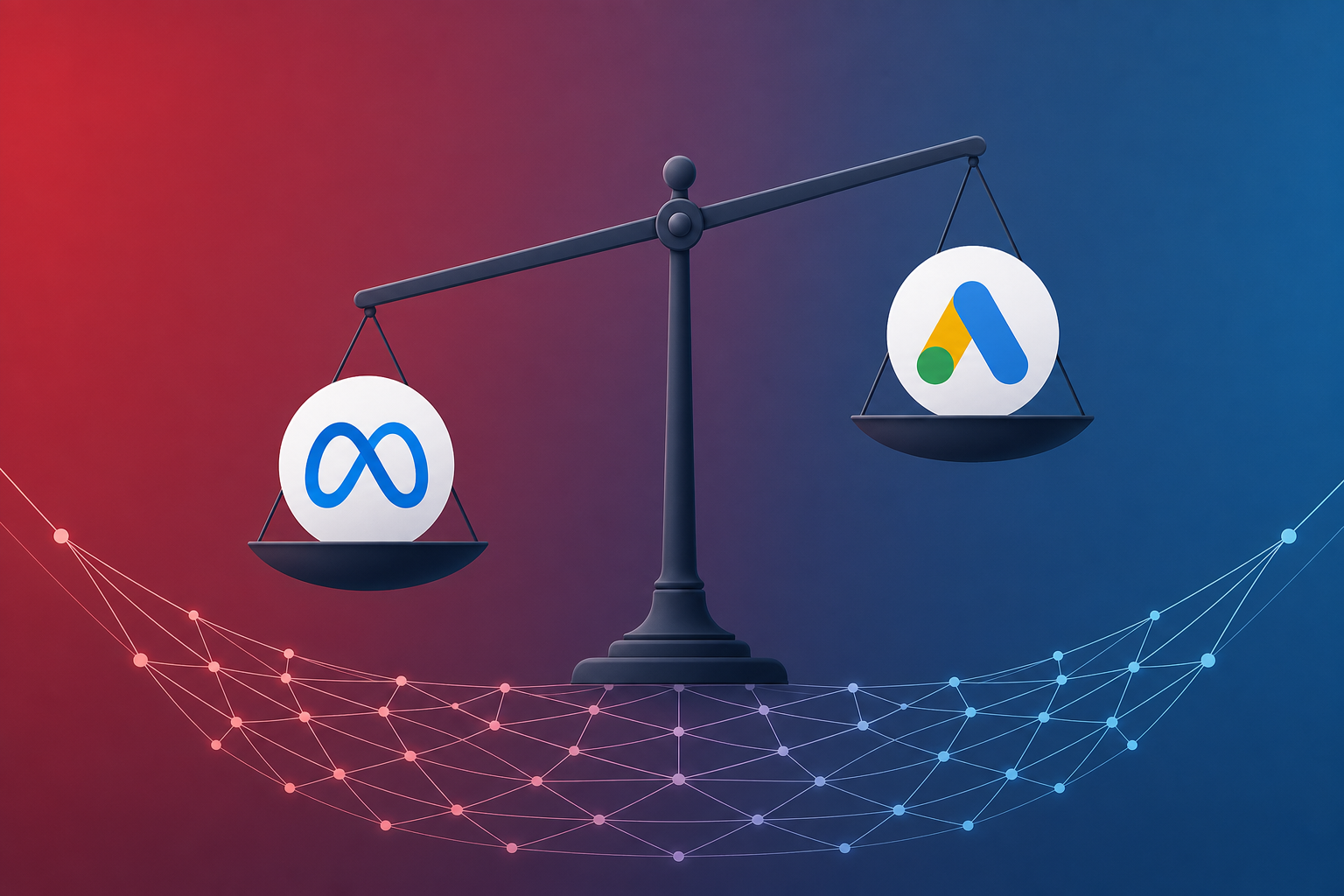
In May 2026, Meta quietly pulled the plug on an entire advertising category — law firm ads — citing policy violations that many advertisers say were never clearly communicated. At the same time, the ongoing Advantage+ bidding controversy has left performance marketers questioning whether Meta’s automation is optimizing for their goals or Meta’s revenue. If you run paid acquisition campaigns on Meta, these are not distant headlines. They are signals that platform risk is now a front-and-center strategic concern.
The question every advertiser should be asking: How dependent am I on a single platform that can change the rules overnight?
→ Want to bypass Google Play entirely? See how ROiBest PWA works — no submission, no cut, 1.2x installs.
What Happened: Meta’s Ad Review Crackdown Explained
In early May 2026, reports surfaced that Meta had broadly banned law firm advertising across Facebook and Instagram. Entire ad accounts — some with years of compliant spending history — were suspended without warning. Appeal processes were slow, opaque, and in many cases resulted in automated rejections with no human review.
But this is not just about lawyers. Meta’s ad review tightening follows a clear pattern that has accelerated since late 2025:
- Finance and insurance ads saw rejection rates increase by an estimated 35% in Q1 2026, according to industry tracking data from AdExchanger.
- Health and wellness advertisers reported mass disapprovals tied to new “implied claims” policies that were retroactively applied to existing creatives.
- App install campaigns in regulated verticals (gambling, dating, fintech) faced new documentation requirements that added 2-3 weeks to launch timelines.
- Political and advocacy advertisers in multiple countries were caught in over-broad automated enforcement sweeps ahead of election cycles.
The common thread: Meta’s review system is becoming more aggressive, more automated, and less transparent. Advertisers are losing campaigns — sometimes entire accounts — to policy interpretations they cannot predict or appeal effectively.
For performance marketers spending $50K+ per month on Meta, this is not an inconvenience. It is a business continuity risk. When your primary acquisition channel can disappear overnight, your revenue forecast becomes a guess.
The Advantage+ Controversy: When Automation Goes Wrong

Meta’s Advantage+ suite — which includes Advantage+ Shopping Campaigns (ASC), Advantage+ Creative, and Advantage+ Audience — has been positioned as the future of Meta advertising. The pitch: let Meta’s AI handle targeting, creative optimization, and bidding so you can focus on outcomes.
The reality in 2026 has been more complicated:
Budget allocation opacity. Multiple advertisers have reported that Advantage+ campaigns allocate spend in ways that do not align with stated objectives. A March 2026 analysis by Disruptive Advertising found that Advantage+ Shopping Campaigns allocated up to 40% of budget to audience segments that advertisers had explicitly deprioritized in their targeting preferences. You set the goal; Meta decides how to get there — and you cannot see the map.
Creative cannibalization. Advantage+ Creative automatically generates variations of your ads — changing headlines, swapping images, adjusting copy. Advertisers in multiple verticals have reported that these auto-generated variations triggered policy violations that the original, human-approved creative did not. Your compliant ad becomes a policy risk when Meta’s own AI modifies it.
Bidding behavior questions. The most serious controversy centers on bidding. Several large advertisers have alleged — and trade publications including Marketing Brew and AdAge have covered — instances where Advantage+ bid strategies appeared to inflate CPMs during high-competition periods rather than pacing spend efficiently. Meta disputes these characterizations, but the lack of auction-level transparency makes independent verification difficult.
Attribution conflicts. Advantage+ campaigns have been flagged for claiming credit for conversions that would have occurred organically or through other channels. When you cannot audit the attribution chain, you cannot trust the ROAS number.
The net effect: advertisers are spending more, seeing less transparency, and have fewer levers to pull when performance declines. This is the opposite of what performance marketing should be.
Platform Risk Assessment: How Dependent Are You on Meta?
Before you can diversify, you need an honest assessment of your Meta dependency. Here is a framework based on three risk dimensions:
Revenue concentration risk. Calculate the percentage of your total customer acquisition that originates from Meta campaigns. Industry benchmarks suggest that if more than 40% of your new users come from a single paid channel, you have a concentration risk that warrants immediate action. If it is above 60%, you are in a fragile position.
Account suspension risk. Evaluate your vertical against Meta’s enforcement trends. Categories currently experiencing elevated review friction include: legal services, financial products, health supplements, dating apps, gambling and gaming, cryptocurrency, and any vertical with claims-based marketing. If you are in one of these categories, your account suspension probability is materially higher than the platform average.
Data dependency risk. Assess how much of your customer data lives exclusively within Meta’s ecosystem. If you rely on Meta’s pixel, CAPI, and lookalike audiences as your primary data infrastructure, a platform disruption does not just stop your ads — it cuts off your data pipeline.
A practical scoring approach:
- Low risk (score 1-3): Less than 30% of acquisition from Meta, non-regulated vertical, first-party data infrastructure in place.
- Medium risk (score 4-6): 30-50% of acquisition from Meta, some policy friction, partial first-party data.
- High risk (score 7-10): Over 50% of acquisition from Meta, regulated or enforcement-heavy vertical, heavy reliance on Meta’s data tools.
If you score above 5, diversification is not optional — it is urgent. And the most logical diversification target is Google Ads, paired with a landing page strategy that gives you control Meta never offered.
Why Google Ads Offers More Advertiser Control
Google Ads is not perfect. No ad platform is. But in the current environment, it offers several structural advantages over Meta that matter specifically for advertisers facing platform risk:
Transparent auction mechanics. Google’s Search and Shopping auctions provide visibility into quality scores, auction insights, impression share, and competitive metrics that Meta does not offer. You can see who you are competing against, how your bids compare, and where your spend is going. This transparency is not just nice to have — it is essential for identifying waste and optimizing efficiently. For a deeper dive into campaign setup, see our Google Ads + PWA install campaign guide.
Intent-based targeting. Google Search Ads capture users at the moment of intent — when they are actively searching for solutions. Meta’s targeting, even with Advantage+ optimization, is fundamentally interruption-based. For many verticals, intent-based targeting delivers higher conversion rates at lower cost per acquisition because you are reaching people who already want what you offer.
Clearer policy enforcement. Google’s ad review process, while not without issues, provides more specific disapproval reasons, faster appeal turnaround, and less reliance on fully automated enforcement. When a Google ad is disapproved, you typically receive an actionable explanation. When a Meta ad is disapproved, you often receive a generic policy category with no path to resolution.
Channel diversification within the platform. Google Ads gives you access to Search, Display, YouTube, Discovery, and Performance Max — each with different audience behaviors and cost structures. Meta gives you Facebook and Instagram (and Threads, with limited ad inventory). More channels mean more optimization levers and lower single-point-of-failure risk. Our analysis of PMax channel efficiency for PWA installs shows how to allocate budget across these surfaces.
First-party data integration. Google’s ecosystem supports robust first-party data strategies through Customer Match, Enhanced Conversions, and server-side tagging. These tools let you bring your own data to the platform rather than depending on the platform’s data. In a post-cookie, privacy-first environment, this matters enormously.
PWA Landing Pages: The Missing Piece for Google Ads Campaigns
Diversifying your ad spend to Google Ads is step one. But the real competitive advantage comes from pairing Google Ads with PWA (Progressive Web App) landing pages — and this is where most advertisers leave significant value on the table.
Here is why PWA landing pages transform Google Ads performance:
You own the landing experience. When you send Google Ads traffic to a PWA, you control every element of the user journey — from the landing page through the install prompt to the in-app experience. There is no app store review process adding friction, no platform intermediary deciding whether your listing meets their ever-changing guidelines. ROiBest packages your web app into a PWA that installs directly to the user’s Android home screen, bypassing Google Play entirely.
Instant load, higher conversion. PWAs are engineered for speed. A well-optimized PWA landing page loads in under 2 seconds on mid-range Android devices — the kind of devices that dominate emerging markets in Southeast Asia, Latin America, and Africa. Google’s own research shows that each additional second of load time reduces mobile conversions by up to 20%. With PWA, you eliminate the load time penalty that kills traditional mobile web conversion rates.
No app store friction. The traditional Google Ads-to-app-install flow sends users to Google Play, where they face download times, storage warnings, permission prompts, and a multi-step install process. Each step loses users. PWA installation is a single tap — the app is on the home screen in seconds, with no store visit required. Teams using ROiBest see up to 1.2x higher install conversion rates compared to native app downloads. For a detailed look at this conversion advantage, see our web-to-app conversion analysis.
Push notifications without the app store. One of the most powerful features of modern PWAs is web push notifications — and they work even after users “uninstall” (remove the PWA icon from their home screen). This gives you a re-engagement channel that does not depend on any platform’s notification infrastructure. You own the relationship.
Zero revenue share. When users convert within a PWA, there is no 30% Google Play commission. You keep 100% of in-app revenue. For subscription-based apps, gaming apps, or any app with in-app purchases, this is not a minor detail — it is a fundamental margin improvement.
First-party data from day one. Every interaction within your PWA generates first-party data that you own and control. Unlike Meta’s walled garden, where your customer data lives on Meta’s servers under Meta’s terms, PWA user data flows directly to your analytics infrastructure. This data feeds your Google Ads optimization, your CRM, and your lifetime value models.
Step-by-Step: Diversifying from Meta to Google Ads + PWA
Here is a practical roadmap for shifting acquisition spend from Meta to Google Ads + PWA without disrupting your current revenue:
Step 1: Audit your Meta account health (Week 1). Pull a complete report of your Meta ad account: disapproval rates over the last 90 days, any policy warnings, account quality scores, and support ticket history. Identify which campaigns and creatives are most vulnerable to the tightening review environment. This audit gives you a factual basis for your diversification urgency.
Step 2: Set up your PWA landing infrastructure (Week 1-2). Work with ROiBest to package your existing web application or mobile site as a PWA. ROiBest handles the entire packaging process — there is no code to write, no technical implementation required. You provide your web app URL; ROiBest delivers a PWA that installs to Android home screens with push notification support and full offline capability. This is a business decision, not a development project.
Step 3: Launch Google Ads test campaigns (Week 2-3). Start with Search campaigns targeting high-intent keywords in your vertical. Set your landing page to the PWA install page. Begin with 10-15% of your total paid acquisition budget. Use Google’s conversion tracking to measure PWA installs, in-app actions, and downstream revenue.
Step 4: Implement first-party data tracking (Week 2-3). Set up server-side conversion tracking for your PWA. Configure Enhanced Conversions in Google Ads to feed first-party conversion data back to the platform. This data loop is critical — it allows Google’s algorithms to optimize toward your actual business outcomes, not proxy metrics.
Step 5: Scale based on unit economics (Week 4-8). Compare your Google Ads + PWA cost per acquisition against your Meta benchmarks. Account for the full picture: no app store commission means your effective CPA threshold is higher than you think. A Google Ads CPA of $12 with zero revenue share may outperform a Meta CPA of $8 with a 30% Google Play commission on a $50 annual subscription.
Step 6: Expand to Performance Max and YouTube (Week 6-12). Once your Search campaigns are profitable, expand to Performance Max campaigns that leverage Google’s full inventory — Search, Display, YouTube, Discover, and Maps. Feed your first-party PWA conversion data into PMax to train the algorithm on your highest-value users.
Step 7: Build your re-engagement engine (Ongoing). Use PWA push notifications to re-engage users who installed but have not converted, or who have lapsed. This owned re-engagement channel reduces your dependence on paid retargeting — on any platform.
Budget Reallocation Framework: Meta vs Google Ads Split
Shifting budget is not about abandoning Meta overnight. It is about building resilience. Here is a framework based on your risk assessment score from earlier:
Low risk (score 1-3): 70/30 Meta/Google split.
- Maintain Meta as your primary channel but allocate 30% to Google Ads + PWA as insurance.
- Focus Google spend on Search campaigns with high-intent keywords.
- Timeline: Achieve this split within 60 days.
Medium risk (score 4-6): 50/50 Meta/Google split.
- Equal allocation forces you to build genuine Google Ads competency.
- Expand beyond Search into Performance Max and YouTube.
- PWA landing pages should be your default for all Google campaigns.
- Timeline: Achieve this split within 90 days.
High risk (score 7-10): 30/70 Meta/Google split.
- Google Ads becomes your primary acquisition channel.
- Meta spend is limited to proven, low-risk campaigns with evergreen creative.
- Full PWA infrastructure with push notifications and first-party data pipeline.
- Timeline: Achieve this split within 45 days — urgency is warranted.
Regardless of your starting point, the key metric to track is blended CPA across platforms, adjusted for revenue share. Do not compare Meta CPA to Google CPA without accounting for the 30% Google Play commission you avoid with PWA. The true cost comparison is:
Effective CPA = Platform CPA + (Revenue per User x Platform Commission Rate)
For a subscription app generating $10/month per user, the Google Play commission costs you $3/month/user. Over a 12-month customer lifetime, that is $36 in platform fees you eliminate with PWA. Factor that into your CPA comparison, and the economics shift significantly.
The advertisers who will thrive in 2026 and beyond are the ones who treat platform diversification as a strategic priority — not a nice-to-have. Meta’s ad review crackdown and Advantage+ controversies are not temporary disruptions. They are structural shifts toward a more opaque, more automated, and less advertiser-friendly platform. Google Ads + PWA landing pages offer a path to more control, more transparency, and more durable acquisition economics. The time to build that path is now.
Skip the app store. Go live instantly, keep 100% of your revenue.
ROiBest helps Android app teams launch PWAs — no review process, no 30% Google Play cut, and push notifications that work even after uninstall. Teams see up to 1.2x higher install conversion rates vs native app downloads.
发表回复