

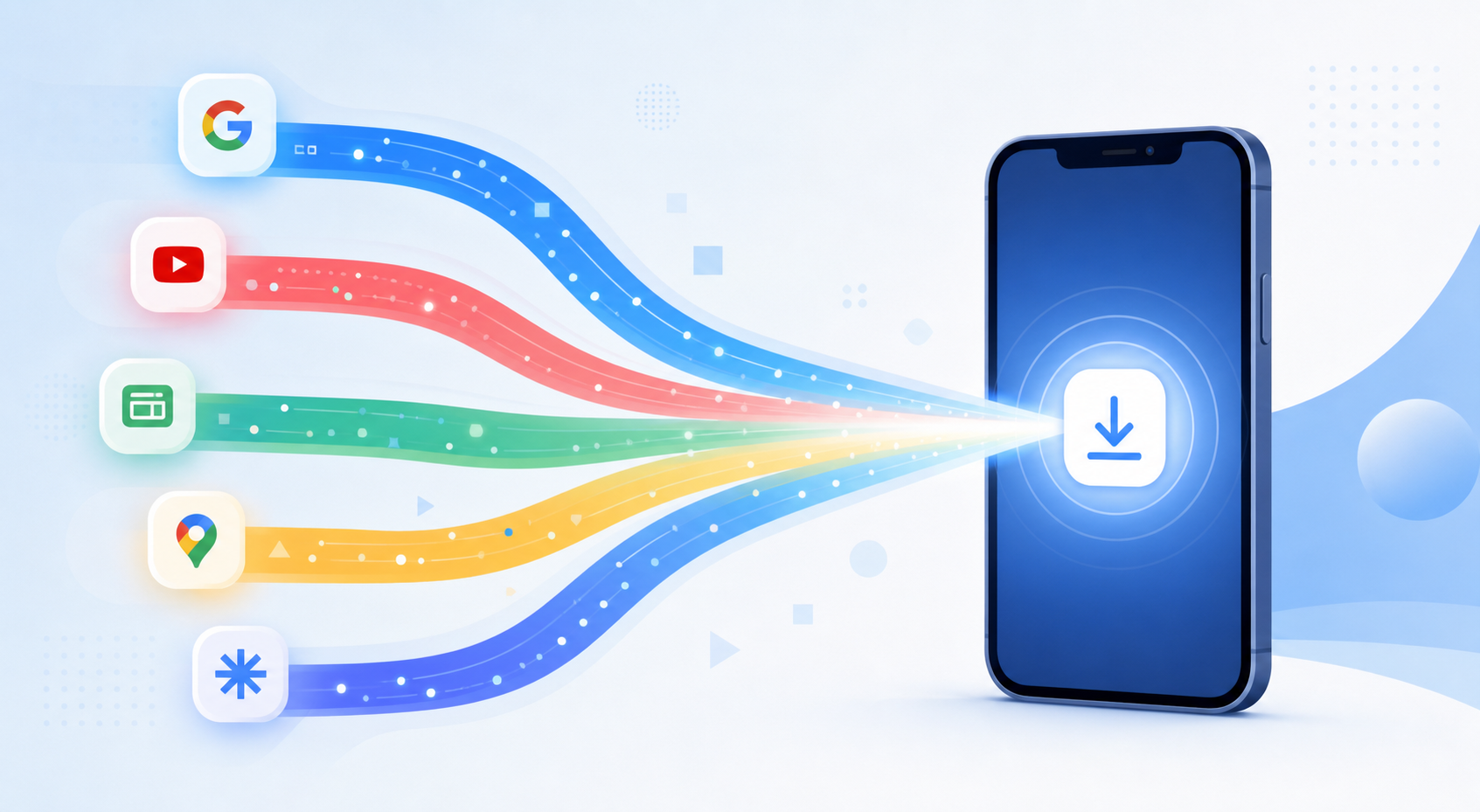
Google Performance Max runs your budget across six channels simultaneously: Search, Shopping, Display, YouTube, Gmail, and Maps. For Android app install campaigns, this breadth sounds like an advantage. In practice, it often means budget is flowing to channels with lower install conversion rates while your highest-performing channels are under-resourced — and you have limited visibility into which is which.
Google recently clarified the PMax channel timeline in detail: Shopping inventory gets the earliest budget allocation in the auction, followed by Search, then Display and YouTube in later waves. For app install campaigns, this timeline matters more than most advertisers realize, because install CVR varies dramatically by channel — and PWA landing pages interact with each channel differently.
→ Want to bypass Google Play entirely? See how ROiBest PWA works — no submission, no cut, 1.2x installs.
This guide decodes the PMax channel timeline for Android app install campaigns in 2026, explains where your budget actually goes and why, and shows how PWA landing pages maximize conversion from each channel’s distinct traffic characteristics.
The PMax Channel Timeline: Where Your Budget Really Goes
Understanding PMax channel allocation requires understanding how Google’s auction system prioritizes ad delivery. Despite the “all channels in one campaign” framing, Google doesn’t split your budget evenly across channels. It allocates budget based on predicted conversion probability at the individual impression level — which means channels with stronger conversion signals get more spend, while channels with weaker or newer signals get less.
For Android app install campaigns in 2026, the typical budget distribution pattern looks like this:
- Search (including Shopping): 35–50% of budget. These channels receive conversion-intent signals from keyword context and product queries. They deliver users with the highest pre-click intent for install campaigns.
- YouTube: 20–30% of budget. Video creative drives volume at competitive CPMs. Install CVR from YouTube is lower than Search but higher than Display because video creates some intent before the click.
- Display: 15–25% of budget. Lower intent, higher impression volume. Display drives brand awareness for app install campaigns but typically has the lowest click-to-install conversion rate of any PMax channel.
- Gmail and Maps: 5–10% combined. Smaller volume channels with moderate intent signals. Gmail performs well for re-engagement campaigns; Maps is relevant for location-based app discovery.
The critical insight: if you’re running a PWA install campaign via PMax and you haven’t optimized your landing page specifically for the intent level of each channel’s traffic, you’re converting the high-intent Search traffic at the same (often mediocre) rate as Display traffic. That’s a significant CVR opportunity cost.
Why Channel Mix Is the Hidden Variable in PWA Install Performance
Most PMax-focused discussions for app install campaigns center on creative optimization (testing different video lengths, image ratios, and headline combinations) or bidding strategy (target CPA vs target ROAS). Channel mix optimization gets less attention — but for PWA install campaigns, it’s often the highest-leverage lever.
Here’s why: PWA install pages can be designed to match the intent level of incoming traffic. A user arriving from a Search query like “BC game app download Android” is ready to install immediately. The right PWA landing page shows them a direct “Add to Home Screen” prompt with minimal friction. A user arriving from a YouTube mid-roll ad is in discovery mode — they need a brief value statement before the install prompt makes sense.
Native app store flows can’t be customized by traffic channel. Every PMax click lands on the same Google Play page regardless of where it came from. PWA install pages can be — and should be — channel-aware.
PMax Channels Ranked by PWA Install Conversion Rate (2026 Benchmarks)
Based on aggregate data from ROiBest PWA install campaigns across the gaming and AI social app verticals, here’s how channel-specific install CVR typically stacks up:
- Search/Shopping: 8–14% click-to-install CVR. Highest-intent traffic. PWA install pages optimized for Search arrivals (clear headline, single CTA above the fold, fast load) convert at the high end of this range.
- Gmail: 5–9% CVR. Users checking Gmail are in a different mode than general browsing — they’re in decision-making mode. Gmail campaigns with strong subject-line equivalents and clear app value propositions perform well with optimized PWA landing pages.
- YouTube: 3–6% CVR. Discovery intent. PWA pages for YouTube traffic benefit from a brief video replay or animated GIF showing the app experience, plus a secondary CTA for users not ready to install immediately (such as “See how it works”).
- Display: 1.5–3.5% CVR. Awareness intent. Display traffic has the lowest install CVR because users aren’t actively seeking an app. The opportunity here is volume — even at 2% CVR, Display can generate significant install volume at low CPI if your creative and landing page are strong.
- Maps: 4–7% CVR for location-relevant apps. Maps traffic is highly local-intent for relevant app categories (gaming clubs, local experiences, location-based social). For most app install campaigns, Maps generates low volume but above-average CVR.
For context on how Google’s consolidation of planning tools affects channel-level optimization capabilities, see our earlier analysis of what Google’s Display planner removal means for PWA install campaigns.
How to Use PWA Landing Pages to Maximize Each PMax Channel
The practical advantage of PWA over native app is that your install landing page is a web page — fully customizable, A/B testable, and deployable without app store review cycles. Here’s how to configure channel-specific PWA landing page variants for your PMax campaign:
Search Traffic: Frictionless Intent Capture
Search arrivals know what they want. Your PWA landing page should respect that by minimizing information before the install prompt. Structure: app icon + 1-sentence value prop + install button above the fold. Page load time should be under 1.5 seconds on mobile. Remove all navigation. A/B test whether social proof (install count, star rating) above or below the install button performs better — this varies by app category.
YouTube Traffic: Discovery-to-Intent Bridge
YouTube arrivals just saw your video — give them a reason to deepen engagement before asking for the install. Structure: autoplay 15-second demo clip or GIF → key benefits (3 bullet points) → install CTA → secondary “learn more” anchor for scrollers. The goal is to complete the intent-building work the video started, then convert.
Display Traffic: Volume Optimization at Lower CVR
Display traffic won’t convert at Search rates — but it’s your highest-volume, lowest-CPM channel. Optimize Display landing pages for quick comprehension rather than deep engagement: bold visual, single benefit statement, and a low-commitment CTA (“Try Free” or “Add to Home Screen — 1 tap”). Track post-install engagement metrics for Display-sourced installs separately, since they typically show lower D7 retention than Search-sourced installs.
Budget Allocation Strategy for PMax + PWA in 2026
Once you have channel-specific PWA landing pages in place, you can influence PMax channel allocation through Asset Group organization and campaign settings:
Asset Group segmentation: Create separate Asset Groups for video-heavy creatives (which favor YouTube allocation) and text/image creatives (which favor Search/Display). Google’s PMax system allocates budget at the Asset Group level within a campaign, so segmenting by creative type gives you more control over channel distribution.
URL expansion settings: In PMax campaign settings, review the Final URL expansion option. For PWA install campaigns, you typically want to limit expansion to your specific PWA install page URL rather than allowing Google to direct traffic to other pages on your domain. Unrestricted expansion can send Display and YouTube traffic to non-install pages with even lower conversion potential.
Bid strategy signals: If your PMax campaign has accumulated sufficient conversion history (typically 50+ conversions/week), switching from tCPA to tROAS bidding allows Google’s system to weight channels that deliver higher-value installs — users who convert to payers — rather than just volume installs. For BC game and AI social app campaigns where payer conversion rate from installs is the key downstream metric, tROAS bidding with PWA install campaigns typically outperforms tCPA after the learning period.
See how these campaign structure principles connect to the broader Google Ads PWA install framework in our complete Google Ads PWA Install Campaign Guide.
Reading the Signals: How to Know If PMax Is Allocating to the Right Channels
PMax doesn’t give you a direct channel breakdown in the standard campaign view. You need to look in specific places to understand where your budget is going:
- Insights tab → Audience Signals performance: Shows which audience signals are driving the most conversions, which correlates with channel allocation patterns.
- Asset Groups → Asset performance ratings: Low-rated video assets suggest YouTube allocation is underperforming; high-rated text/image assets suggest Search/Display is receiving more budget.
- Campaigns → Search terms report: If Search queries are appearing for your PMax campaign, Search is receiving allocation. The quality and intent level of these queries tells you whether Search allocation is healthy.
- Reach and Frequency report (Display & Video 360 integration): For advertisers with DV360 access, this shows Display and YouTube reach data separately, providing the most direct channel-level visibility.
For AI content compliance considerations that affect video creative in PMax campaigns, see our recent guide on AI content labeling for Google Ads PWA campaigns.
Summary: PMax + PWA Channel Optimization Checklist
Optimizing PMax for PWA install campaigns in 2026 is primarily about making the landing page experience match the intent level of each channel’s traffic — which native app store flows can’t do, but PWA pages can.
- Audit your PMax channel distribution using Insights, Asset performance ratings, and Search terms data
- Build channel-specific PWA landing page variants for Search, YouTube, and Display traffic
- Segment Asset Groups by creative type to influence channel allocation
- Restrict Final URL expansion to your PWA install page
- Switch from tCPA to tROAS bidding once you have 50+ weekly conversions
- Track channel-sourced installs separately to compare D7 retention and payer conversion rates by channel
PMax isn’t a black box that you fund and hope for the best. For PWA install campaigns, it’s a channel-allocation system you can influence — if you have the landing page infrastructure and campaign organization to support it.
Skip the app store. Go live instantly, keep 100% of your revenue.
ROiBest helps Android app teams launch PWAs — no review process, no 30% Google Play cut, and push notifications that work even after uninstall. Teams see up to 1.2x higher install conversion rates vs native app downloads.
发表回复