

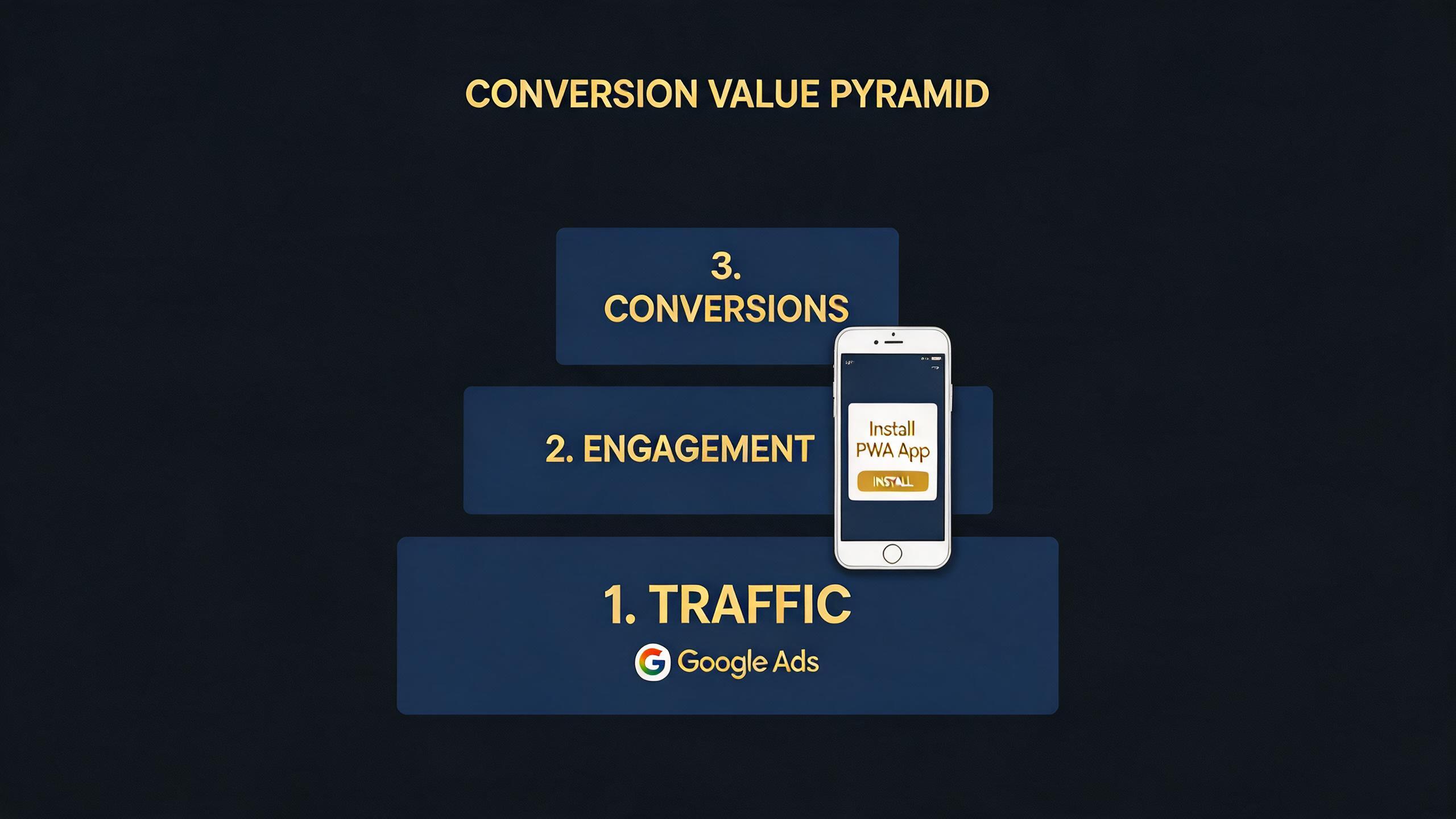
If you’re running Google Ads campaigns to drive PWA installs on Android, you already know that clicks alone don’t tell you much. The real question is: which installs are actually worth something? A user who installs your PWA and makes a $50 purchase within three days is fundamentally different from someone who installs and never opens it again. Yet most advertisers treat every install the same — a flat conversion with no value signal — and wonder why their ROAS plateaus or their campaigns spend wildly on low-intent traffic.
This guide walks you through how to set up conversion values for PWA install campaigns in Google Ads, configure value-based bidding strategies, and ultimately shift from counting installs to maximizing revenue. Whether you’re running lead gen, eCommerce, or subscription-based PWAs, you’ll learn how to feed Google’s algorithm the right value signals so it can find users who actually generate business outcomes.
→ Want to bypass Google Play entirely? See how ROiBest PWA works — no submission, no cut, 1.2x installs.
Why Most PWA Install Campaigns Waste Budget on Valueless Conversions
Here’s a pattern that plays out across thousands of Google Ads accounts every day: an advertiser sets up a campaign targeting PWA installs, marks “install” as the conversion action, assigns no value (or a static placeholder like $1), and lets Smart Bidding optimize for maximum conversions. On the surface, it works — installs come in, the cost-per-install looks reasonable, and the campaign reports green across the board.
But beneath those metrics, a different story unfolds. The algorithm is optimizing for the cheapest possible install, not the most valuable one. It’s finding users who are easy to convert — bargain hunters, accidental clickers, people who install out of curiosity but never engage. Meanwhile, high-value users who would have made purchases, subscribed, or completed lead forms are being outbid by competitors who actually tell Google what a good user looks like.
This is the fundamental problem with flat conversion tracking for PWA campaigns. Without differentiated values, Google treats every install as identical. And when every install is “worth” the same, the algorithm has no reason to spend more to reach a premium user segment. Your campaign becomes a volume play, and volume without value is just noise.
The situation is especially acute for PWA distribution. Unlike native apps on Google Play, where in-app purchase data can flow back through Firebase and Google Play billing, PWA installs happen on the open web. There’s no automatic revenue pass-back. If you don’t actively configure conversion values, Google literally has zero revenue signal to work with.
For a deeper understanding of how to structure PWA install campaigns from the ground up, the Google Ads PWA Install Campaign Guide covers campaign architecture, targeting, and creative best practices that complement the value-based approach we’re discussing here.
How PWA Conversion Value Setup Transforms Campaign Performance

When you assign accurate conversion values to your PWA install events, something powerful happens inside Google’s bidding engine. Instead of optimizing for raw install volume, the algorithm shifts to optimizing for total conversion value. This means it will willingly pay $5 for an install that generates $50 in revenue, while pulling back on $0.50 installs that produce nothing.
The results are consistently dramatic. Advertisers who switch from maximize conversions to maximize conversion value (or target ROAS) for their PWA campaigns typically see three things happen simultaneously:
- ROAS increases by 40–80% within the first 30 days, because the algorithm is now chasing revenue rather than volume.
- Average order value from ad-acquired users rises, as Google identifies and targets users with higher purchase propensity.
- Cost-per-install may increase slightly, but revenue per install increases disproportionately — the unit economics improve even if the topline CPI looks “worse.”
This is value-based bidding in action, and it’s the single highest-leverage optimization most PWA advertisers haven’t made yet.
The key insight is that PWA distribution actually has an advantage here over native app installs. Because PWAs live on your own domain, you have full control over the conversion tracking pixel and can pass dynamic revenue values directly from your checkout, subscription confirmation, or lead qualification events. You’re not relying on a third-party app store to relay purchase data. You own the data pipeline end to end.
Step-by-Step: Setting Up Conversion Values for PWA Install Campaigns
Here’s the practical framework for getting conversion values configured correctly in your Google Ads account. This isn’t about code — your development team or ROiBest’s implementation team handles the technical side. This is about the strategic decisions you need to make as a campaign manager or growth lead.
Step 1: Define Your Value Events Beyond the Install
The install itself is a leading indicator, not the value event. You need to identify what happens after the install that actually matters to your business. Common value events for PWA campaigns include:
- eCommerce: Purchase completed (dynamic value = order total), add-to-cart (estimated value based on historical conversion rate), product view of high-intent categories.
- Lead generation: Form submission (value based on lead scoring or historical close rate × average deal size), qualified lead confirmation, demo booking.
- Subscription / SaaS: Free trial started (value = trial-to-paid rate × average LTV), paid subscription activated, first renewal.
- Gaming / entertainment: First in-app purchase (actual value), reaching engagement milestone (estimated value based on cohort monetization data), push notification opt-in (value based on incremental retention).
The goal is to choose events that are close enough to revenue that the value signal is meaningful, but frequent enough that Google’s algorithm gets sufficient data to learn. A rule of thumb: you need at least 15 value conversions per campaign per week for target ROAS bidding to function effectively.
Step 2: Configure Conversion Actions in Google Ads
Inside your Google Ads account, navigate to Goals → Conversions → Summary, and create (or modify) your conversion actions. For each value event you identified in Step 1:
- Set the conversion action category appropriately (Purchase, Lead, Subscribe, etc.).
- Under “Value,” select “Use different values for each conversion” — this is the critical setting that enables dynamic value passing.
- Set a default value as a fallback. For eCommerce, this might be your average order value. For lead gen, use your average lead value (e.g., if 10% of leads close at $5,000 average deal size, your default lead value is $500).
- Set the counting method: “Every” for purchases (each transaction has value), “One” for lead gen (you only want to count the first conversion per user).
- Set the conversion window appropriately. For PWA installs, a 30-day click-through window and 1-day view-through window is a reasonable starting point. Extend to 60 or 90 days for high-consideration products.
Step 3: Establish Your Value Hierarchy
If you’re tracking multiple conversion events (which you should), you need to decide which ones are “primary” conversion actions (used for bidding) and which are “secondary” (observed but not optimized against). A common setup for PWA eCommerce campaigns:
- Primary: Purchase (dynamic value)
- Secondary: Add to cart ($X estimated), PWA install ($Y estimated), push notification opt-in ($Z estimated)
Google will optimize toward your primary actions. Secondary actions give you visibility without distorting bidding. Getting this hierarchy wrong — for example, making both “install” and “purchase” primary actions — creates conflicting signals that confuse the algorithm.
Step 4: Switch to Value-Based Bidding
Once your conversion values are flowing (give it 2–3 weeks of data collection), switch your campaign bidding strategy:
- From: Maximize Conversions or Target CPA
- To: Maximize Conversion Value or Target ROAS
If you’re moving to Target ROAS, start with a target that’s 20% below your actual observed ROAS from the data collection period. This gives the algorithm room to explore and learn. You can tighten the target over time as performance stabilizes.
For PWA campaigns using Performance Max, this transition is particularly impactful because PMax already reaches across Search, Display, YouTube, and Discover. Giving it value signals means it can allocate budget to the channels and placements where high-value users actually convert, rather than spreading spend evenly. The PMax PWA game install optimization guide goes deeper into how value-based bidding interacts with PMax’s multi-channel allocation for gaming and entertainment verticals.
Step 5: Validate and Iterate on Your Value Model
After 30 days of running with value-based bidding, audit your results. Pull the conversion value data from Google Ads and compare it against your actual backend revenue. Common issues to watch for:
- Value inflation: If Google Ads reports $100K in conversion value but your actual revenue is $60K, your value signals are too generous. Adjust your default values downward or tighten your event definitions.
- Value lag: If high-value conversions happen 45 days after install but your conversion window is 30 days, you’re missing revenue attribution. Extend the window.
- Sparse data: If you’re getting fewer than 15 value conversions per week, consider broadening your primary conversion action (e.g., using add-to-cart as primary instead of purchase) or consolidating campaigns to pool conversion data.
Real Performance Data: Value-Based Bidding for PWA Campaigns vs. Flat Conversion Tracking
The business case for conversion value setup becomes clear when you look at comparative performance data across different bidding approaches for Android PWA distribution.
Advertisers running PWA install campaigns with flat conversion tracking (every install valued equally) typically see CPI ranging from $0.30 to $2.50 depending on geo and vertical, with ROAS hovering between 1.5x and 3x. The installs are cheap, but the revenue-per-install is inconsistent because the algorithm is optimizing for volume.
When those same campaigns switch to value-based bidding with properly configured conversion values, the CPI often increases to the $0.80–$4.00 range — seemingly worse on a per-install basis. But ROAS typically jumps to 4x–8x because the algorithm is now selectively targeting users with demonstrated purchase intent. The total revenue generated per dollar of ad spend increases dramatically.
The difference is even more pronounced in PMax campaigns. Because PMax dynamically allocates across channels, value signals let it identify that, say, YouTube pre-roll ads drive higher-value PWA installs than Display banner placements for a particular product. Without value data, PMax treats all channels equally and over-invests in the cheapest inventory. For a detailed breakdown of how CPI and ROAS vary across PMax configurations for PWA campaigns, see the PMax Android PWA Cost Per Install analysis.
Consider the comparison for a mid-tier eCommerce PWA running in Tier 1 markets:
- Flat tracking (maximize conversions): 10,000 installs/month, $1.20 CPI, $12,000 ad spend, $28,000 revenue, 2.3x ROAS.
- Value-based bidding (target ROAS): 6,500 installs/month, $2.10 CPI, $13,650 ad spend, $68,000 revenue, 5.0x ROAS.
Fewer installs. Slightly more spend. But 2.4x more revenue. That’s the math that makes conversion value setup non-optional for any serious PWA advertiser.
Ready to set up value-based tracking for your PWA campaigns?
ROiBest provides end-to-end PWA distribution including conversion tracking infrastructure that integrates directly with Google Ads value-based bidding. Talk to the team about getting your conversion values configured correctly.
Common Questions About Google Ads Conversion Values for PWA Campaigns
Can I use value-based bidding if my PWA doesn’t have direct purchases?
Absolutely. Value-based bidding works for any business model — you just need to assign monetary values to your conversion events. For lead gen, calculate the value of a lead based on your historical close rate and average deal size. If 5% of leads convert to customers worth $10,000 on average, each lead is worth $500 to your business. For content or ad-supported PWAs, use estimated revenue per engaged user based on ad impressions, session length, or retention metrics. The value doesn’t have to come from a direct transaction — it just needs to represent real business impact.
How long does it take for value-based bidding to outperform flat conversion tracking?
Expect a learning period of 2–4 weeks after switching bidding strategies. During this time, performance may fluctuate as Google’s algorithm recalibrates. Most campaigns see clearly better ROAS by week 3–4, with full optimization typically reached by week 6–8. The key is to avoid making changes during the learning period — don’t adjust ROAS targets, budgets, or audiences for at least 14 days after the switch. Patience during this phase directly correlates with long-term performance.
What if I don’t have enough conversion data for target ROAS?
Google recommends at least 15 conversions per week for target ROAS to function reliably. If you’re below that threshold, you have several options: (1) Start with maximize conversion value instead of target ROAS — it doesn’t require a minimum threshold and still optimizes toward higher-value installs. (2) Broaden your primary conversion action temporarily — use a more frequent event like “add to cart” or “engagement milestone” as your primary action while purchase remains secondary. (3) Consolidate campaigns — if you’re running multiple campaigns with 5–10 conversions each, combine them into one campaign with 30+ conversions. The algorithm performs better with pooled data.
Do conversion values work differently for PWA installs vs. native app installs?
The core Google Ads configuration is the same, but the data pipeline differs significantly. For native apps distributed through Google Play, conversion data flows through Firebase and Google Play billing APIs, which limits your control. For PWAs distributed directly to users’ Android home screens, you own the entire conversion tracking stack. This means you can pass richer value signals, update values retroactively, and integrate first-party data sources that aren’t available through app store channels. In practice, this data ownership advantage often results in more accurate value signals and therefore better algorithm performance.
Should I include the PWA install itself as a valued conversion?
It depends on your funnel. If the install is strongly correlated with downstream revenue (e.g., 60%+ of installs lead to meaningful engagement), including it as a secondary conversion with an estimated value is reasonable. But never make the install your primary conversion action when you have deeper funnel events available. The install is a means to an end — the value is in what happens after. Making the install primary when purchase data is available would be like optimizing for store visits when you have actual sales data.
Making Conversion Values Work: The ROiBest Approach
Setting up conversion values correctly requires two things: the right strategic framework (which this guide provides) and the right technical infrastructure to pass those values reliably from your PWA to Google Ads. The strategic decisions — what events to value, how to calculate those values, which bidding strategy to use — are within your control as a campaign manager.
The technical infrastructure — ensuring that conversion events fire correctly from the PWA, that values are passed dynamically, that attribution windows are configured properly, and that the data reconciles with your backend — is where ROiBest comes in. When you distribute your Android app as a PWA through ROiBest, the conversion tracking infrastructure is built into the platform. You define your value events, and the system handles the rest: pixel implementation, value passing, Google Ads integration, and ongoing data validation.
This means you can focus on the strategic optimization — adjusting ROAS targets, refining your value hierarchy, testing different conversion windows — without worrying about whether the underlying data is accurate. And because PWAs distributed through ROiBest bypass Google Play entirely, you’re not paying the 15–30% platform commission on every transaction. That alone changes the math on what constitutes a profitable conversion value.
The bottom line: conversion value setup isn’t optional for PWA advertisers who want to compete in 2026. Google’s algorithm is powerful, but it can only optimize toward what you tell it matters. Tell it that all installs are equal, and it’ll find the cheapest ones. Tell it which installs generate real business value, and it’ll find more of those — even if they cost more individually. The ROI difference between these two approaches typically ranges from 2x to 4x over a 90-day period.
Skip the app store. Go live instantly, keep 100% of your revenue.
ROiBest helps Android app teams launch PWAs — no review process, no 30% Google Play cut, and push notifications that work even after uninstall. Teams see up to 1.2x higher install conversion rates vs native app downloads.
发表回复