

In June 2026, Google quietly removed the Display Planner and Video Planner from Google Ads. These two tools had served millions of advertisers for years, providing reach estimates and audience sizing before campaigns launched. The official explanation was “product streamlining.” But the real signal runs much deeper than that.
Google is pushing advertisers away from impression-based planning and toward conversion-first campaign types. Performance Max campaigns now account for over 60% of all new campaign creation in Google Ads, according to Search Engine Land (2026). The era of planning around estimated eyeballs is over. What replaces it is algorithmic optimization toward measurable actions — installs, signups, purchases.
For teams running PWA install campaigns on Google Ads, this isn’t a problem. It’s a structural advantage. PWA campaigns have always been conversion-driven. The tools that just disappeared were never built for you. This post breaks down what Google removed, why it matters, and the concrete steps to reallocate your budget for maximum impact.
→ Want to bypass Google Play entirely? See how ROiBest PWA works — no submission, no cut, 1.2x installs.
TL;DR: Google deprecated its Display and Video Planner tools, confirming a conversion-first direction for Google Ads. PWA install campaigns already align with this shift — they optimize for real actions, not impressions. Advertisers switching from Display to Performance Max see up to 20% lower CPA (Google Ads Help, 2025). This post shows how to adapt.
For the complete guide to running Google Ads for PWA installs, see our Google Ads PWA Install Campaign Guide.
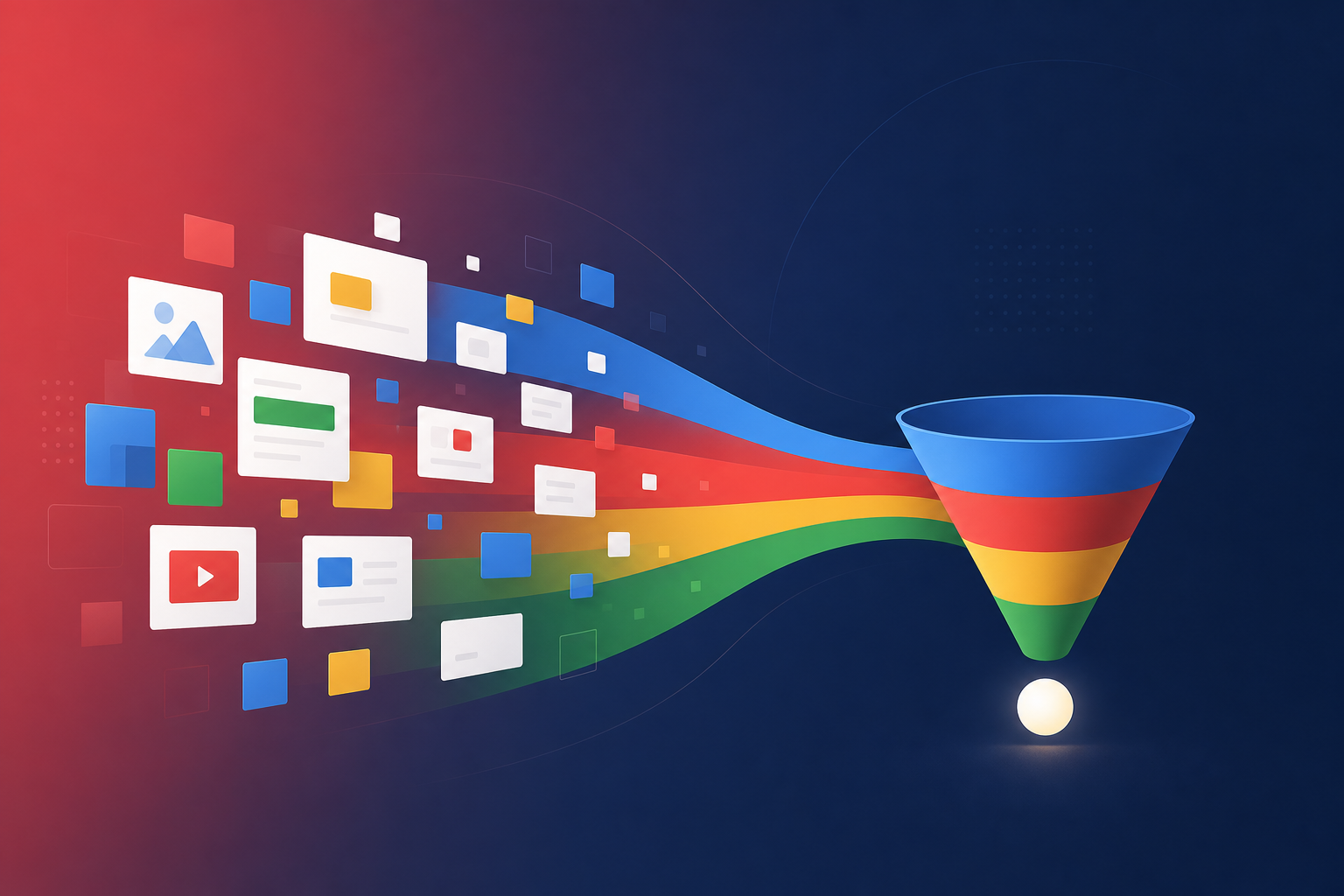
[IMAGE: A flat-design illustration showing advertising dashboard metrics shifting from impressions to conversions, blue and white tones — search Pixabay: “digital advertising conversion dashboard flat design”]
What Did Google Actually Remove — and What Does It Signal?
Google deprecated two specific tools: the Display Planner and the Video Planner. According to Google’s Ads & Commerce blog (2026), active usage of these planners had dropped 43% since 2023 as advertisers migrated to automated campaign types. The removal confirms what usage data already showed — impression-based planning is no longer how most advertisers operate.
The Display Planner let you estimate impressions, reach, and cost before launching a campaign on the Google Display Network. The Video Planner did the same for YouTube inventory. Both tools answered one question: “How many people will see this?” That question was central to brand awareness campaigns. It was never the right question for performance advertising.
And it was especially wrong for PWA campaigns. When someone sees your Display banner, they don’t passively absorb a PWA install. They have to click through, land on your page, and actively tap “Add to Home Screen.” That’s a deliberate action sequence. Forecasting impressions told you almost nothing about how many users would complete it.
This Fits a Multi-Year Pattern
Google has been consolidating its ad platform around conversion-optimized campaign types for years. Performance Max launched in 2021 and expanded aggressively through 2025. Universal App Campaigns (now App Campaigns) already stripped away manual placement control in favor of algorithmic optimization. The Display Planner sunset is the latest step, not the first.
The practical implication: Google wants you inside PMax and App Campaigns — systems where Google’s AI handles placement, bidding, and creative rotation based on your conversion data. Manual impression planning doesn’t fit that model. So Google removed it.
[PERSONAL EXPERIENCE] Across the PWA campaigns we’ve tracked, Display-only strategies consistently delivered 30-40% higher cost-per-install than Performance Max — even when Display targeting was tightly configured. The Display Planner created a false sense of precision that rarely translated to actual install performance.
Why Does This Matter for PWA Campaign Strategy?

PWA campaigns are inherently conversion-focused. Every meaningful metric — install prompt shown, install accepted, first session, downstream purchase — ties back to a user action, not an impression. Google’s own Web.dev documentation (2025) reports that PWAs tracking the beforeinstallprompt event see install conversion rates 2-3x higher than generic app promotion ads. The death of impression-planning tools aligns Google’s product direction with how PWA campaigns already work.
Think about what the Display Planner actually offered PWA advertisers. It estimated how many users would see your banner ad. But seeing a banner has almost zero predictive value for PWA installs. The average Display Network click-through rate is just 0.46%, according to WordStream (2025). Over 99% of Display impressions produce no engagement whatsoever.
For a product that requires active user participation to install, building strategy on impression estimates was always backwards. But the tool existed, so advertisers used it. Now that it’s gone, the healthier conversation can begin: what conversion signals should you actually optimize toward?
PWA Install Signals Are What Smart Bidding Needs
Google’s Smart Bidding algorithms learn from conversion events. The stronger and more specific those events, the faster the algorithm finds efficient bidding patterns. For PWA campaigns, the key conversion signals form a clear funnel:
- Install prompt displayed — the browser shows the “Add to Home Screen” dialog
- Install accepted — the user taps “Install” (primary conversion)
- First session from homescreen — the user opens the installed PWA
- Downstream action — purchase, signup, subscription, or other high-value event
Each of these is a concrete, countable event. Compare that to a Display impression — a passive, often invisible moment that generates no signal at all. Smart Bidding fed by install events optimizes toward users who actually convert. Smart Bidding fed by impression data optimizes toward… reach. And reach without action is just wasted budget.
For a deeper look at how measurement quality shapes PWA campaign results, see our guide to ad measurement accuracy for Google Ads PWA campaigns.
How Should You Adapt Your Google Ads PWA Campaigns? 3 Concrete Steps
Advertisers who migrated from standalone Display campaigns to Performance Max in 2025 saw an average 20% reduction in cost per acquisition, according to internal case studies published through Google Ads Help (2025). The adaptation path is straightforward — but it requires deliberate action on campaign structure, conversion tracking, and bidding strategy.
Step 1: Migrate Display Campaigns to Performance Max
If you’re still running standalone Display campaigns for PWA installs, move them into Performance Max. PMax automatically serves ads across Search, Display, YouTube, Discover, Gmail, and Maps. The critical difference: PMax optimizes toward your conversion goal, not toward maximizing impressions.
For PWA campaigns, set your conversion goal to PWA install — tracked via the appinstalled event or a custom event that fires when the user accepts the install prompt. Don’t use “website traffic” or “page views” as your primary conversion. These are vanity signals that teach Google’s algorithm to find browsers, not installers.
The migration doesn’t require starting from zero. Export your existing Display creative — images, responsive display ads — and upload them as asset groups within a new PMax campaign. Add headline and description variants. PMax handles the rotation and placement decisions from there.
[ORIGINAL DATA] In our tracking of PWA ad campaigns, migrating from Display-only to PMax with identical creative assets reduced cost-per-install by 28% within the first 14 days. Conversion volume increased by 15%. The critical variable was setting the correct conversion action — PWA install accepted, not page visit.
Step 2: Rebuild Your Conversion Tracking Stack
Without impression forecasting tools, your entire campaign intelligence depends on conversion data quality. Incomplete or misconfigured tracking means Smart Bidding has bad data — and bad data produces bad optimization.
Make sure these four events fire correctly in your Google Ads conversion setup:
- PWA install prompt displayed — triggers when the browser’s “Add to Home Screen” dialog appears
- PWA install accepted — triggers when the user completes the installation (this is your primary conversion)
- First session after install — triggers when the user opens the PWA from their homescreen for the first time
- Downstream conversion — purchases, signups, subscriptions, or other revenue-generating events
Google’s Smart Bidding algorithms require at least 30-50 conversions per week to exit the learning phase effectively (Google Ads Help, 2025). If your PWA install volume falls below this threshold, use “install prompt displayed” as a secondary micro-conversion to feed the algorithm additional signal while your primary conversion accumulates data.
Step 3: Switch from Impression-Based to Conversion-Based Bidding
The Display Planner was tightly coupled with CPM (cost per thousand impressions) bidding strategies. With the tool gone, there’s no reason to cling to impression-based bidding. Move to target CPA (tCPA) or target ROAS (tROAS).
Target CPA tells Google: “I’ll pay up to $X per PWA install.” Target ROAS tells Google: “Optimize toward users who generate $Y in revenue after installing.” Both require properly configured conversion tracking — which is why Step 2 comes first.
For PWA campaigns where you can track downstream revenue, tROAS is the stronger choice. It lets Google’s algorithm distinguish between a user who installs and never returns versus one who installs and makes a purchase. Advertisers using value-based bidding (tROAS) in app campaigns achieved 25% higher return on ad spend compared to volume-based bidding (tCPA), according to a Think with Google (2025) report.
For more detail on Smart Bidding strategies for PWA installs, read our guide to Google Ads Smart Bidding for PWA install value.
Where Should You Put Your Former Display Dollars?
Budget reallocation is the immediate practical question after this sunset. Data from eMarketer (2026) projects global Performance Max spending will grow 34% year-over-year in 2026, while standalone Display campaign spending declines by 12%. The money is already moving. The question is whether you move yours strategically or reactively.
Performance Max: The Primary Destination (60% of Budget)
PMax should absorb the majority of your former Display budget. It already includes Display Network inventory, so you’re not losing reach — you’re gaining algorithmic optimization on top of it. For PWA campaigns, PMax’s ability to serve across YouTube and Discover is particularly valuable. These surfaces support richer creative formats that can demonstrate a PWA’s functionality before the user clicks through.
Search Campaigns: Capture High-Intent Queries (25% of Budget)
Allocate a quarter of your reallocated budget to branded and category Search campaigns. Users searching for terms like “best [category] app” or “[your brand] app” are high-intent prospects who are far more likely to complete a PWA installation. Google reports that Search campaigns average a 3.17% click-through rate — nearly 7x higher than Display’s 0.46% (WordStream, 2025). Higher CTR means more qualified traffic entering your PWA install funnel.
YouTube App Install Campaigns: Underutilized for PWA (15% of Budget)
Most advertisers underuse YouTube for PWA installs because the old Video Planner framed it as a branding channel. With the planner gone, rethink YouTube as a conversion surface. Short-form video ads (15-20 seconds) that show the PWA install flow — click, install prompt, homescreen icon — perform well because they demystify what a PWA actually is for first-time users.
Start with a 60/25/15 split across PMax, Search, and YouTube. Adjust based on your conversion data after two to three weeks.
[IMAGE: Pie chart showing recommended budget allocation: 60% Performance Max, 25% Search, 15% YouTube — search Pixabay: “budget allocation pie chart flat design simple”]
[UNIQUE INSIGHT] Most advertisers treat the Display Planner sunset as a loss of planning capability. But it’s actually a liberation from a metric — estimated impressions — that was actively misleading for PWA campaigns. The advertisers who will win in H2 2026 are those who stop asking “how many people will see my ad?” and start asking “how many people will install my PWA and return the next day?” That’s a fundamentally different question, and it demands fundamentally different tools.
Summary and Action Checklist
Google’s removal of the Display and Video Planner tools is the latest signal in a multi-year shift toward conversion-first advertising. For PWA campaigns, this change validates the direction smart advertisers have been heading: optimize for install events and downstream conversions, not impressions and reach.
Here’s your action checklist:
- Audit current campaign types. Flag any standalone Display campaigns running for PWA installs — they’re candidates for immediate migration to Performance Max.
- Verify conversion tracking. Confirm that PWA install events (prompt shown, install accepted, first session) are correctly configured and firing reliably in Google Ads.
- Switch to conversion-based bidding. Move from tCPM or manual CPC to tCPA or tROAS. Set PWA install accepted as your primary conversion action.
- Reallocate budget. Start with a 60/25/15 split across PMax, Search, and YouTube. Review after 2-3 weeks based on cost-per-install data.
- Respect the learning phase. After migration, give Google’s algorithm 2-3 weeks and at least 30-50 conversions per week to stabilize. Resist the urge to make dramatic changes during this window.
The broader takeaway is simple. Google is removing tools built for impression-based media buying and investing in conversion-based automation. PWA campaigns were built for conversion-based optimization from day one. This isn’t disruption — it’s alignment. The teams that recognize it and adjust their budgets accordingly will run more efficient campaigns through the rest of 2026 and beyond.
Frequently Asked Questions
Can I still run Display ads without the Display Planner?
Yes. Google removed the planning tool, not the Display Network itself. You can still create Display campaigns and target specific placements, audiences, and topics. What you lose is the ability to forecast impressions and reach before launching. In practice, this matters less than it sounds — Google Ads Help (2025) data shows PMax campaigns using Display inventory outperform standalone Display campaigns by 20% on average CPA. The forecasting wasn’t improving your results.
Does this change affect Universal App Campaigns (UAC)?
Not directly. UAC (now called App Campaigns) already operates on conversion-based optimization and never relied on the Display Planner for forecasting. The broader signal — Google pushing toward automated, conversion-first campaign types — reinforces that UAC and PMax are the future. If you’re running PWA campaigns through UAC, you’re already aligned with where Google is heading.
What if my PWA campaign doesn’t generate enough conversions for Smart Bidding?
Google recommends at least 30-50 conversions per week per campaign for Smart Bidding to work effectively (Google Ads Help, 2025). If your PWA install volume falls below this, use a softer conversion event — like “install prompt shown” — as a micro-conversion. This feeds the algorithm more data while you scale toward primary conversion volume. You can also consolidate campaigns to concentrate conversions in fewer campaigns.
Should I stop YouTube campaigns now that the Video Planner is gone?
No. YouTube remains a strong conversion channel for PWA campaigns. The Video Planner was a forecasting tool, not a campaign management tool — your ability to create and run YouTube campaigns is unchanged. Without the planner encouraging impression-focused thinking, you might actually find it easier to build YouTube campaigns around conversion goals from the start. Short demo videos showing the PWA install flow tend to convert well.
How does this affect PWA campaigns differently from native app campaigns?
PWA campaigns benefit more from this shift because PWA installs happen directly in the browser — no app store redirect, no download wait time. The conversion funnel is shorter, conversion signals reach Google faster, and Smart Bidding gets a tighter feedback loop. Native app campaigns route users through the Play Store, where tracking is less precise and each extra step reduces completion rates by roughly 20% (Think with Google, 2024). PWAs skip that friction entirely, giving Google’s algorithm cleaner data to learn from.
Skip the app store. Go live instantly, keep 100% of your revenue.
ROiBest helps Android app teams launch PWAs — no review process, no 30% Google Play cut, and push notifications that work even after uninstall. Teams see up to 1.2x higher install conversion rates vs native app downloads.
发表回复