

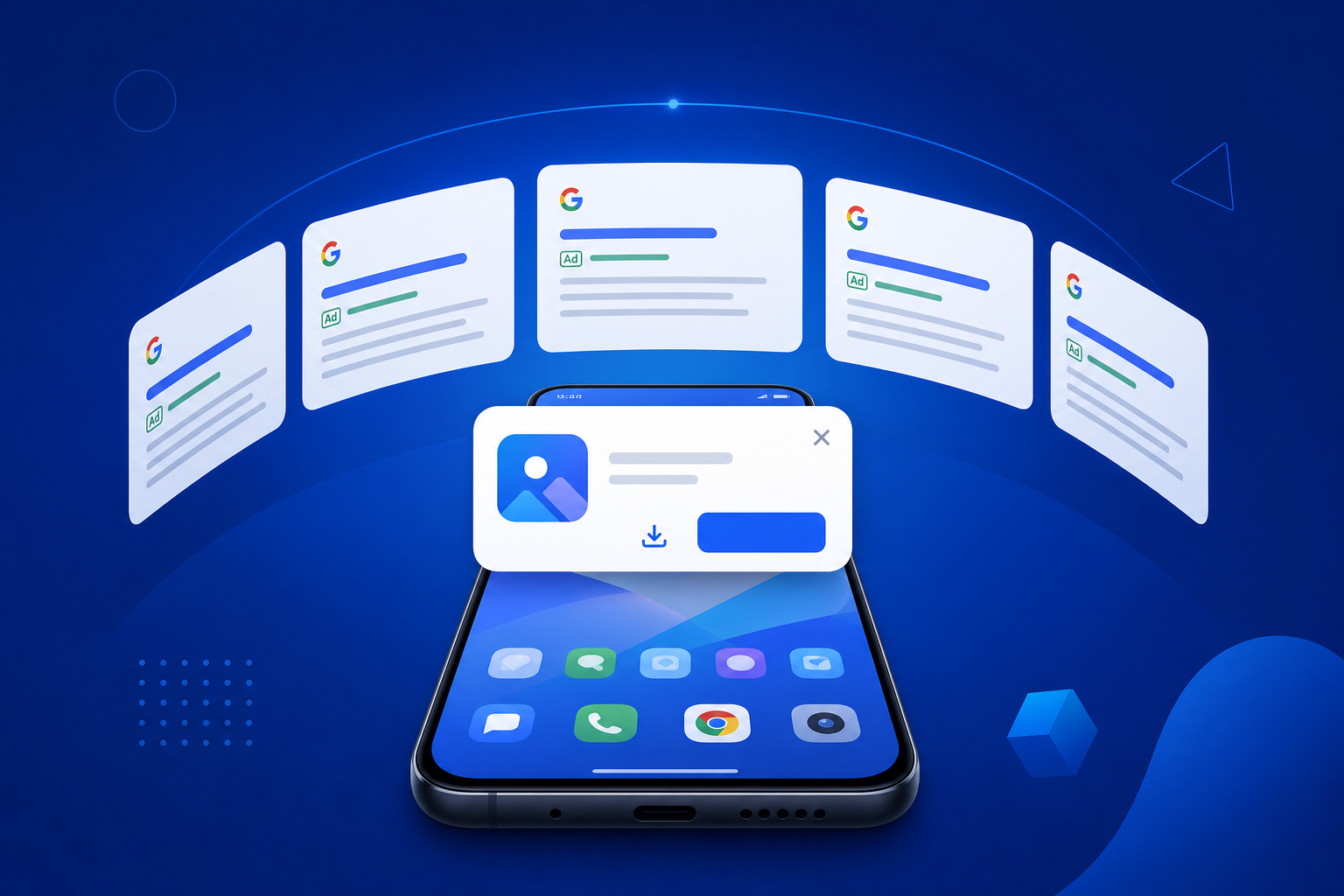
This is the updated 2026 edition of our Google Ads PWA Install Campaign Guide, refreshed to reflect Google’s evolving campaign architecture — including PMax channel updates, Customer Match API migration requirements, AI creative compliance rules, and new measurement standards. If you ran PWA install campaigns in 2024 or 2025, at least three of these changes affect your current setup. Read the relevant sections, update your configuration, and use the checklist at the end to audit your campaigns.
→ Want to bypass Google Play entirely? See how ROiBest PWA works — no submission, no cut, 1.2x installs.
What Is a PWA Install Campaign and Why Google Ads Favors It
A PWA (Progressive Web App) install campaign uses Google Ads to drive traffic to a web landing page that triggers the browser’s native “Add to Home Screen” install prompt. Unlike Google Play app install campaigns, which route users through the Play Store, PWA campaigns keep users in the web browser throughout the install journey.
Google Ads supports PWA install campaigns through two primary channel types in 2026:
- Performance Max (PMax) with web conversion goals: The primary recommended campaign type for most PWA teams. PMax surfaces your ads across Search, Display, YouTube, Discover, Gmail, and Maps simultaneously, optimizing toward your designated web conversion (PWA install event).
- App Campaigns (AC) with web app tracking: For teams using Google’s Web-to-App Connect infrastructure, AC campaigns can now target PWA installs through a bridged web conversion event. This configuration is more complex but unlocks App Campaign-specific inventory.
The practical advantage of Google Ads for PWA campaigns over Meta is that Google’s intent signals — search queries, YouTube watch history, Maps behavior — are higher-purchase-intent traffic for most app categories. A user searching “BC game alternatives” on Google represents purchase intent that Meta’s interest-based targeting approximates but doesn’t match.
First-Party Data Foundation: Customer Match in 2026
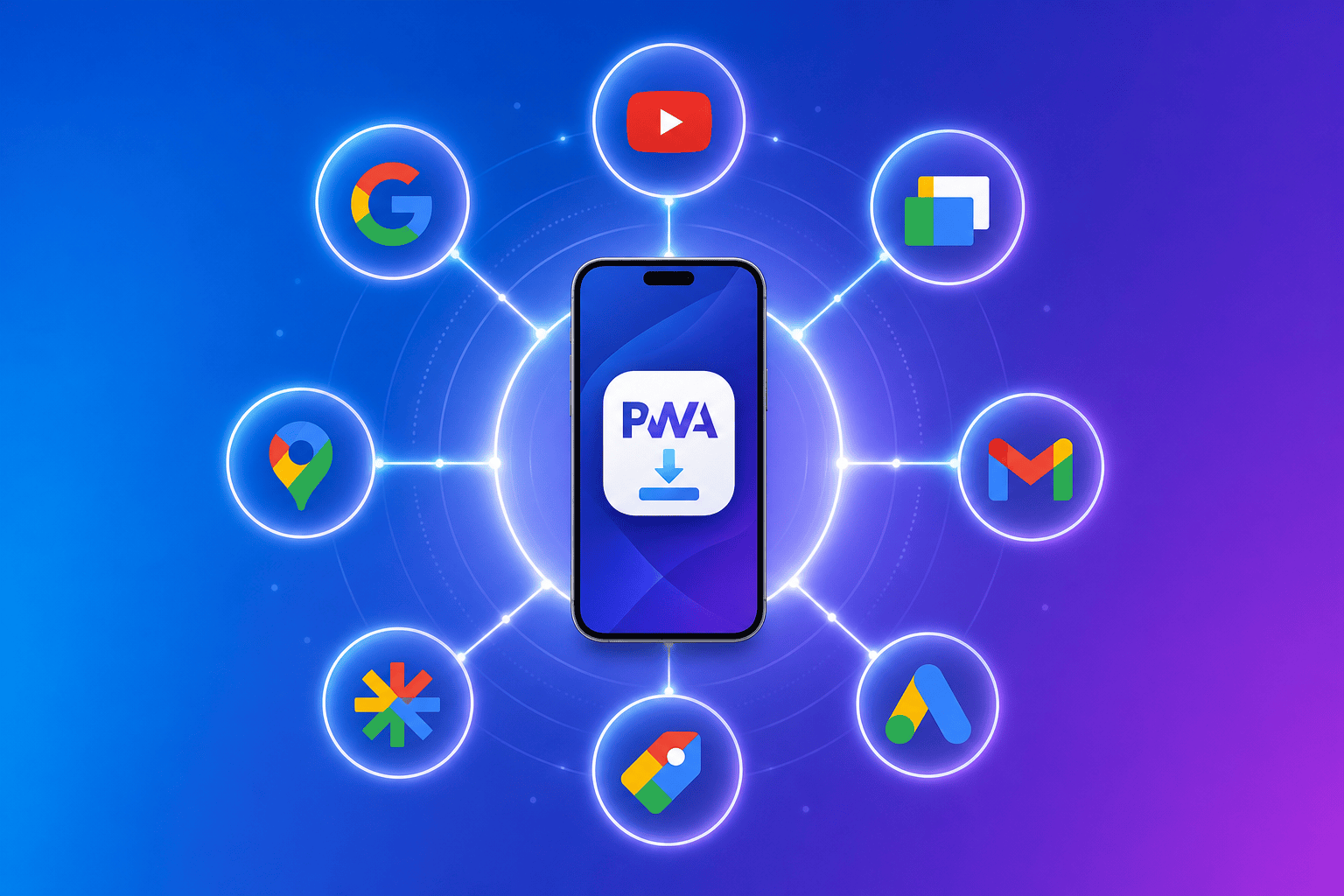
Google’s shift from cookie-based audience targeting to first-party data signals is the most important structural change in Google Ads in 2025–2026. For PWA install campaigns, this means Customer Match is no longer optional — it’s the audience foundation that determines whether your PMax and App Campaigns can reach your highest-value users.
The 2026 requirement: all Customer Match audiences must now flow through Google’s Data Manager API rather than direct CSV upload. If you haven’t migrated, your existing Customer Match lists may show reduced reach or data errors in Audience Manager.
For a complete walkthrough of the migration process specific to PWA install campaigns, see our Google Customer Match Data Manager Migration Guide for PWA Campaigns. The three critical steps are:
- Connect your CRM or CDP to Data Manager: Data Manager supports direct API connections to Salesforce, HubSpot, and custom webhook endpoints. CSV uploads remain available but are being deprecated for matching accuracy.
- Build PWA-specific audience segments: Segment by install status (installed vs not installed), session frequency (installed once, low engagement), and LTV tier (high spenders, churned payers). Each segment should have a distinct bidding strategy.
- Configure Similar Audiences from PWA installers: Google’s Similar Audiences (Lookalike) generation performs significantly better when seeded from a well-defined PWA install cohort vs a broad website visitor list. Define your seed audience narrowly — ideally users who installed and completed at least one in-app purchase.
Teams that complete the Data Manager migration typically see 15–25% improvement in Customer Match reach and a corresponding improvement in PMax campaign efficiency within 30 days of completion.
PMax Channel Strategy for PWA Install Campaigns
Performance Max campaigns in 2026 run across six inventory channels simultaneously. For PWA install campaigns, not all channels perform equally, and understanding channel-level CVR is critical to avoiding wasted spend.
Our detailed analysis of Google PMax channel timeline and PWA landing page optimization found significant CVR variation by channel type:
- Search (intent-driven): Highest CVR for PWA installs — users actively searching for app alternatives show the strongest install intent. Target PWA-adjacent queries: “[app category] alternatives,” “download [game type] without app store,” “install [app name] Android.”
- YouTube (consideration): Medium CVR but high volume capacity. PWA install campaigns work particularly well with 15-second in-stream ads showing the install flow (tap the banner → prompt appears → one tap install). Users who see the install simplicity in action convert at 2–3x the rate of users who see a feature-focused ad.
- Display/Discover (remarketing): Lower initial CVR, but high value for re-targeting users who visited the PWA landing page but didn’t install. Set up an audience of “visited install URL but did not trigger install event” and run Display remarketing at lower CPCs to capture delayed converters.
- Maps and Gmail: Limited value for PWA installs at early campaign stages. Exclude these placements in your first 60 days to concentrate budget on higher-intent channels while campaign learning completes.
The recommended PMax asset group structure for PWA campaigns:
- Group 1 — High intent: Search + YouTube assets optimized around install simplicity and speed. Headlines: “Install in 2 taps,” “No app store needed,” “Play instantly.”
- Group 2 — Value proposition: Display + Discover assets showing the core game/app experience. Headlines: “[Game name] — No download wait,” “Free to play instantly on Android.”
- Group 3 — Remarketing: Display only, targeting users who visited but didn’t install. Offer a reason to return: limited-time offer, new feature announcement, friend referral.
AI Creative Compliance Requirements for Google Ads in 2026
Google’s AI-generated content labeling requirements took effect in Q1 2026 and apply to all advertisers using AI-generated images or video in their ad creative. For PWA install campaigns, this creates a compliance checkpoint that teams using image generation tools (Imagen, Midjourney, DALL-E) must address.
The full compliance breakdown and what it means for PWA ad teams is covered in our AI Ad Creative Compliance Guide for Google Ads PWA Campaigns. The key requirements for 2026:
- SynthID / C2PA labeling: Google’s Ads Manager now automatically detects AI-generated images submitted as ad creative. If detected, Google applies a disclosure label. Advertisers have the option to add voluntary disclosure upfront to avoid automated detection variance.
- Restricted content categories for AI creative: AI-generated creatives in sensitive categories (gambling-adjacent game verticals, financial apps, health apps) face additional review delays averaging 3–5 business days.
- Human-in-the-loop requirement for political and finance ads: Not directly applicable to most PWA game/social app campaigns, but worth noting for teams that run complementary campaigns in these categories.
The compliance path for most PWA teams is straightforward: use real device screenshots showing your PWA install flow for your primary ad creative. Screen-captured content doesn’t trigger AI detection, performs well on CTR (real product always outperforms illustrated product for install intent), and bypasses compliance friction entirely.
Measurement and Conversion Tracking for PWA Install Campaigns in 2026
Accurate conversion measurement is the foundation that all Google Ads optimization builds on. For PWA install campaigns, the measurement stack requires three components operating in sync:
Component 1: Web conversion event (PWA install)
The appinstalled browser event must be captured as a Google Ads conversion action. Configuration:
- Trigger:
window.addEventListener('appinstalled', ...) - Pass to GA4 as a custom event:
pwa_install - Import the GA4 event into Google Ads as a conversion action
- Set conversion window: 7 days for UAC/App Campaign types, 30 days for PMax with search intent
Component 2: In-app event tracking (post-install)
Install events are useful for campaign optimization but insufficient for LTV-based bidding. PWA teams should define and track:
- First session: User opens the PWA from home screen icon (not browser) — indicates successful installation engagement
- First purchase: First in-app payment, game coin purchase, or subscription initiation
- Engagement tier: 7-day active user (launched 3+ sessions in first 7 days)
Configure Target ROAS bidding only when you have ≥50 in-app purchase conversion events per week per campaign. Below that threshold, Target CPA on install events will deliver more consistent results.
Component 3: Push notification event tracking
Re-engagement from push notifications should be tracked as a separate conversion source. Service worker push handlers should append utm_source=pwa-push&utm_campaign={campaign_name} to all notification click URLs. GA4 session source will then correctly attribute re-engagement sessions to push campaigns rather than lumping them with direct traffic.
Budget Allocation Framework for Google Ads PWA Campaigns
Budget allocation across campaign types depends on your PWA’s maturity stage:
Stage 1: Campaign launch (Day 1–30)
- 100% PMax with install conversion goal
- Daily budget: minimum 10× target CPA to allow sufficient learning (if target CPA = $2 install, set daily budget ≥ $20)
- Focus: accumulate install conversion data and audience signals
- Exclude: Maps, Gmail placements until learning completes
Stage 2: Scaling (Day 31–90)
- 70% PMax (conversion optimized) — primary scale vehicle
- 20% Standard App Campaign (if Web-to-App Connect configured) — for App campaign-exclusive inventory
- 10% Display remarketing — target non-converters from PMax landing page traffic
- Introduce Target ROAS bidding when in-app purchase signal crosses 50 events/week
Stage 3: Efficiency optimization (Day 90+)
- Segment PMax asset groups by user LTV tier using Customer Match audiences
- Apply seasonality adjustments for game launch windows, promotional periods
- Test SKAd-equivalent incrementality through geo holdout experiments
- Allocate 10–15% of budget to YouTube non-skippable for brand recall reinforcement during high-intent search windows
Post-Install Optimization: Push Notifications and Re-Engagement
The Google Ads install is the beginning, not the end. PWA’s push notification capability is the re-engagement advantage that native app teams using Google Ads often overlook. Web Push notifications can be sent to users who installed your PWA even if they’ve uninstalled the app from their home screen (the push subscription persists in Chrome). This is categorically different from Google Play app behavior, where uninstall terminates all re-engagement capability.
For BC game and AI social app teams, building a push re-engagement sequence layered on top of Google Ads acquisition delivers a compounding ROAS benefit over time:
- Day 1 after install: Welcome push with onboarding CTA (“Your account is ready — tap to get 100 bonus coins”)
- Day 3: Engagement push triggered by inactivity (“You’ve got unopened messages” or “Claim your daily reward”)
- Day 7: Re-engagement push for churned users (“Come back — limited offer expires tonight”)
- Day 14+: LTV-segmented push sequences based on purchase history
Teams implementing this push sequence on top of Google Ads acquisition see 30–45% improvement in 30-day ROAS compared to acquisition-only campaigns, because push re-engagement converts a portion of the non-purchasing install base without additional ad spend.
2026 Google Ads PWA Campaign Checklist
Use this checklist to audit your current campaign configuration against 2026 best practices:
Data Foundation
- ☑ Customer Match migrated to Google Data Manager API
- ☑ PWA-specific audience segments defined (installed, churned, high LTV)
- ☑ Similar Audiences seeded from paying-user cohort
Campaign Structure
- ☑ PMax campaign with 3 asset groups (intent, value prop, remarketing)
- ☑ Maps and Gmail excluded in first 60 days
- ☑ Daily budget ≥ 10× target CPA during learning phase
- ☑ Standard App Campaign configured (if Web-to-App Connect active)
Creative Compliance
- ☑ Primary ad creative uses real device screenshots (AI compliance bypass)
- ☑ AI-generated creative disclosures added where applicable
- ☑ Message match: ad headline → landing page H1 alignment verified
Measurement
- ☑
appinstalledevent firing with UTM payload in GA4 - ☑ GA4 install event imported into Google Ads as conversion action
- ☑ In-app events (first purchase, 7-day active) tracked in GA4
- ☑ Push notification UTM parameters configured in service worker
- ☑ Monthly ad platform vs GA4 vs backend revenue reconciliation
Post-Install
- ☑ Push notification opt-in prompt configured (Day 1 after install)
- ☑ Re-engagement push sequence active (Days 3, 7, 14)
- ☑ LTV-segmented push campaigns configured for Day 14+ users
Summary: Why PWA + Google Ads Is the 2026 Android Distribution Playbook
Google Play’s tightening review environment, attribution degradation from Privacy Sandbox, and mandatory AI creative disclosures all add friction to traditional native app acquisition. At the same time, PWA install campaigns on Google Ads benefit from web-native attribution clarity, first-party data flexibility through Data Manager, and a post-install push re-engagement capability that native apps simply can’t replicate after uninstall.
The teams winning Android distribution in 2026 are those who treat Google Ads + PWA as an integrated stack — where acquisition, measurement, and re-engagement are all optimized through the same web-native infrastructure rather than patched together across app stores, SDKs, and platform APIs.
Skip the app store. Go live instantly, keep 100% of your revenue.
ROiBest helps Android app teams launch PWAs — no review process, no 30% Google Play cut, and push notifications that work even after uninstall. Teams see up to 1.2x higher install conversion rates vs native app downloads.
发表回复