

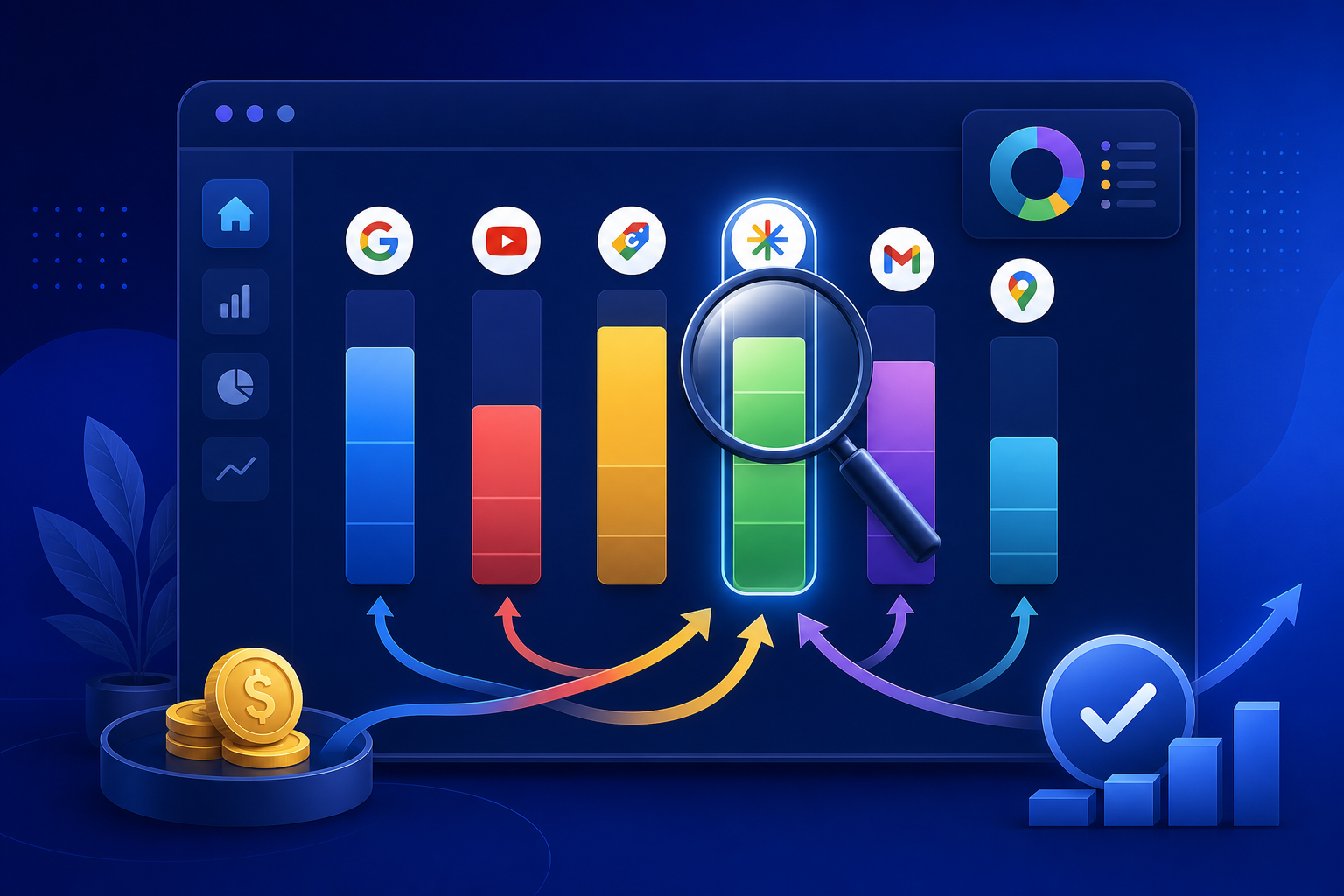
Google’s Performance Max campaigns promise automated budget allocation across Search, Display, YouTube, Discover, Gmail, and Maps. But in 2026, the “black box” nature of PMax remains a challenge for app distribution teams: you cannot see exactly when your budget runs on which channel, or how each channel contributes to your install funnel. The new PMax channel timeline feature provides partial visibility into channel-level spend and timing — but interpreting it correctly, and acting on those insights, requires a deliberate strategy.
For teams running PWA install campaigns through Google Ads, the channel timeline unlocks a specific advantage: the ability to identify which PMax channels drive high-intent traffic that converts on PWA landing pages, and which channels waste budget on impressions that never reach your install prompt.
→ Want to bypass Google Play entirely? See how ROiBest PWA works — no submission, no cut, 1.2x installs.
What the PMax Channel Timeline Actually Shows
Google introduced channel-level reporting for PMax in late 2025, with expanded timeline views rolling out through early 2026. Here is what you can now see:
Channel-level spend distribution: For any date range, you can see the percentage of your PMax budget allocated to Search, Display, YouTube, Discover, Gmail, and Maps. This replaces the previous total-opaque model where Google showed only aggregate PMax performance.
Timeline view: The channel timeline shows how budget allocation shifts over time — daily or weekly. This reveals patterns: does PMax lean heavily into Display during early campaign phases and shift to Search as the algorithm learns? Does YouTube spend spike on weekends? These patterns are now visible.
Channel-level conversion data: For each channel, you can see impressions, clicks, and conversions attributed to that channel. This is the most actionable data point: it tells you not just where your money went, but which channels actually drove conversions.
What you still cannot see: individual placement-level data within each channel (which specific YouTube video, which Display Network site), creative-level performance by channel, and the algorithm’s real-time bidding logic. The channel timeline is a step toward transparency, not full transparency. For teams already optimizing Google Ads conversion value for PWA installs, the channel timeline adds another optimization layer.
Why PWA Landing Pages Change the PMax Equation

The standard PMax-to-Google-Play flow has a fundamental attribution problem: when PMax sends a user to the Play Store, you lose visibility into what happens between the Play Store page view and the actual installation. The Play Store is a black box within Google’s existing black box.
PWA landing pages solve this by keeping the entire conversion funnel within your web domain:
Full funnel visibility: When PMax drives traffic to your PWA landing page, you can track every step — page view, scroll depth, time on page, install prompt shown, install prompt accepted, PWA launched. This is standard web analytics, no SDK dependency, no attribution gaps.
Channel-level install attribution: By combining PMax channel timeline data with your PWA landing page analytics, you can determine which PMax channels produce the highest install conversion rates. If Search traffic converts at 8% and Display converts at 2%, you have a clear signal about where your budget should be weighted — and you can use PMax’s channel-level bid adjustments (where available) or asset group strategies to influence allocation.
Faster optimization cycles: Google Play installs have a reporting delay of 24-48 hours for conversion data to flow back into Google Ads. PWA install tracking is near-real-time because it is server-side event tracking on your own domain. This means you can identify underperforming channels and adjust within hours, not days. See how ad measurement priorities are shifting toward this kind of real-time tracking.
Step-by-Step: Reading and Acting on PMax Channel Timeline Data
Here is a practical framework for using the PMax channel timeline to optimize PWA install campaigns:
Step 1: Establish your baseline. Run your PMax campaign for 7-14 days without intervention to let the algorithm establish its natural channel allocation pattern. During this period, set up GA4 event tracking on your PWA landing page to capture: page views (by UTM source/medium/campaign), install prompt impressions, install prompt completions, and first-session starts.
Step 2: Map channel timeline to landing page conversion data. After the baseline period, pull the PMax channel timeline report and match it against your landing page analytics. Create a matrix showing: each channel’s share of PMax spend, each channel’s share of landing page traffic, each channel’s landing page-to-install conversion rate, and each channel’s effective cost-per-install. This matrix will reveal significant performance gaps between channels.
Step 3: Identify your high-value and low-value channels. Common patterns for PWA install campaigns: Search traffic typically has the highest intent and install conversion rate (6-10%), but the smallest volume share. YouTube can drive high volume but lower conversion rates (1-3%) because users are in content consumption mode, not install mode. Display varies widely — some placements drive qualified traffic, while others produce accidental clicks with near-zero install rates. Discover traffic quality varies by vertical.
Step 4: Optimize through asset groups and audience signals. PMax does not offer direct channel-level budget controls, but you can influence allocation through asset group strategy: create separate asset groups with different creative approaches optimized for your highest-converting channels. For example, if Search drives your best installs, ensure your text assets and headlines are highly specific and install-intent-focused. If YouTube is underperforming, consider whether your video assets effectively communicate the install value proposition. Reference how platform policy changes are making Google Ads + PWA a more attractive combination.
Step 5: Implement PWA-specific conversion tracking. Set up Enhanced Conversions with your PWA install event as the primary conversion action. Use server-side tagging (Google Tag Manager server container) to send conversion events back to Google Ads with minimal latency. This gives the PMax algorithm better signal about which channels actually drive installs, enabling it to optimize allocation toward your highest-converting channels automatically.
Channel-Specific Optimization for PWA Installs
Search: Your highest-intent channel. Users searching for terms related to your app category are actively looking for solutions. PWA landing page optimization for Search traffic: lead with the install value proposition above the fold, show the install prompt immediately (do not gate behind scrolling), and include social proof (install count, ratings) to match the trust signals users expect from a search result.
YouTube: High volume, lower intent. Users on YouTube are watching content, not actively seeking apps. PWA landing page optimization for YouTube traffic: use a video-first landing page that continues the creative narrative from the YouTube ad, then transition to the install prompt. Pre-roll and in-stream ads that demonstrate the app experience in action produce higher install rates than static benefit claims.
Display: Most variable quality. Display Network placements range from premium content sites to low-quality ad farms. PWA landing page optimization for Display traffic: use a fast-loading, visually impactful landing page that quickly re-engages users who may have clicked accidentally. Include a prominent “back” option for disinterested users (this reduces bounce rate and improves quality score) alongside a clear install path for interested users.
Discover: Content-recommendation traffic. Users see your ad in their content feed, similar to social media. PWA landing page optimization for Discover: treat it like social traffic — use editorial-style landing pages that provide value before asking for the install. A “learn about [your app category]” approach that transitions to an install CTA outperforms direct install requests.
Measuring Success: KPIs for PMax + PWA
Track these metrics to evaluate your PMax + PWA campaign performance:
- Channel-level CPI (Cost Per Install): Your primary efficiency metric. Calculate separately for each PMax channel using channel spend ÷ attributed installs.
- Install Prompt Show Rate: What percentage of landing page visitors see the PWA install prompt? Low rates indicate page speed issues or engagement problems.
- Install Prompt Accept Rate: What percentage of users who see the prompt complete the installation? Low rates suggest messaging or trust issues.
- Channel Mix Efficiency: How does your blended CPI change as PMax shifts budget between channels? A rising blended CPI despite stable individual-channel CPIs indicates PMax is allocating more budget to your least efficient channels.
- Time-to-Optimization: How quickly can you identify and respond to channel performance shifts? With PWA tracking, this should be measured in hours, not days.
Action Checklist
- Enable PMax channel timeline reporting in your Google Ads account
- Set up GA4 event tracking for PWA install funnel steps (page view → prompt shown → prompt accepted → first session)
- Run a 7-14 day baseline period to establish natural channel allocation patterns
- Build a channel-level CPI matrix combining PMax spend data with PWA install analytics
- Create channel-optimized asset groups within your PMax campaign
- Implement server-side conversion tracking for PWA installs via GTM server container
- Establish weekly channel timeline review cadence to catch allocation shifts early
Skip the app store. Go live instantly, keep 100% of your revenue.
ROiBest helps Android app teams launch PWAs — no review process, no 30% Google Play cut, and push notifications that work even after uninstall. Teams see up to 1.2x higher install conversion rates vs native app downloads.
发表回复